
 AI Edit
Geospatial image editing with AI, in QGIS

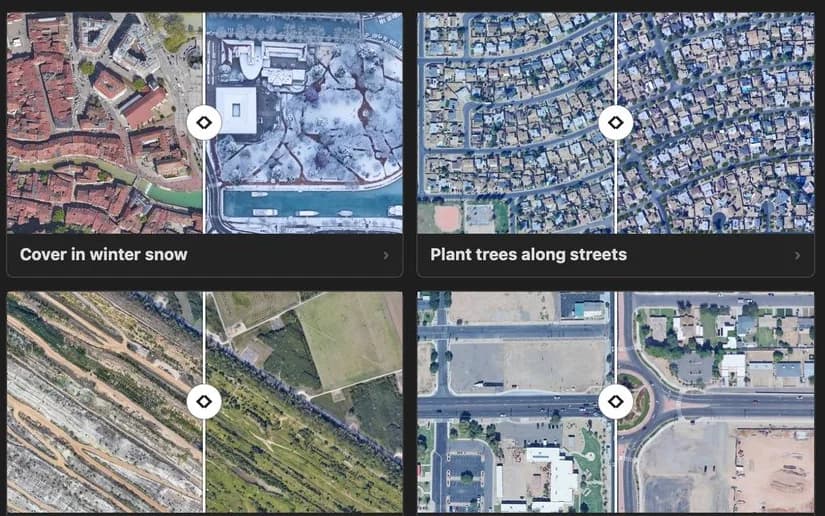
Describe the change, AI Edit generates it on your aerial imagery.
Ready for the presentation.

Who uses it
Showing a project before it is built
 Generated with AI Edit
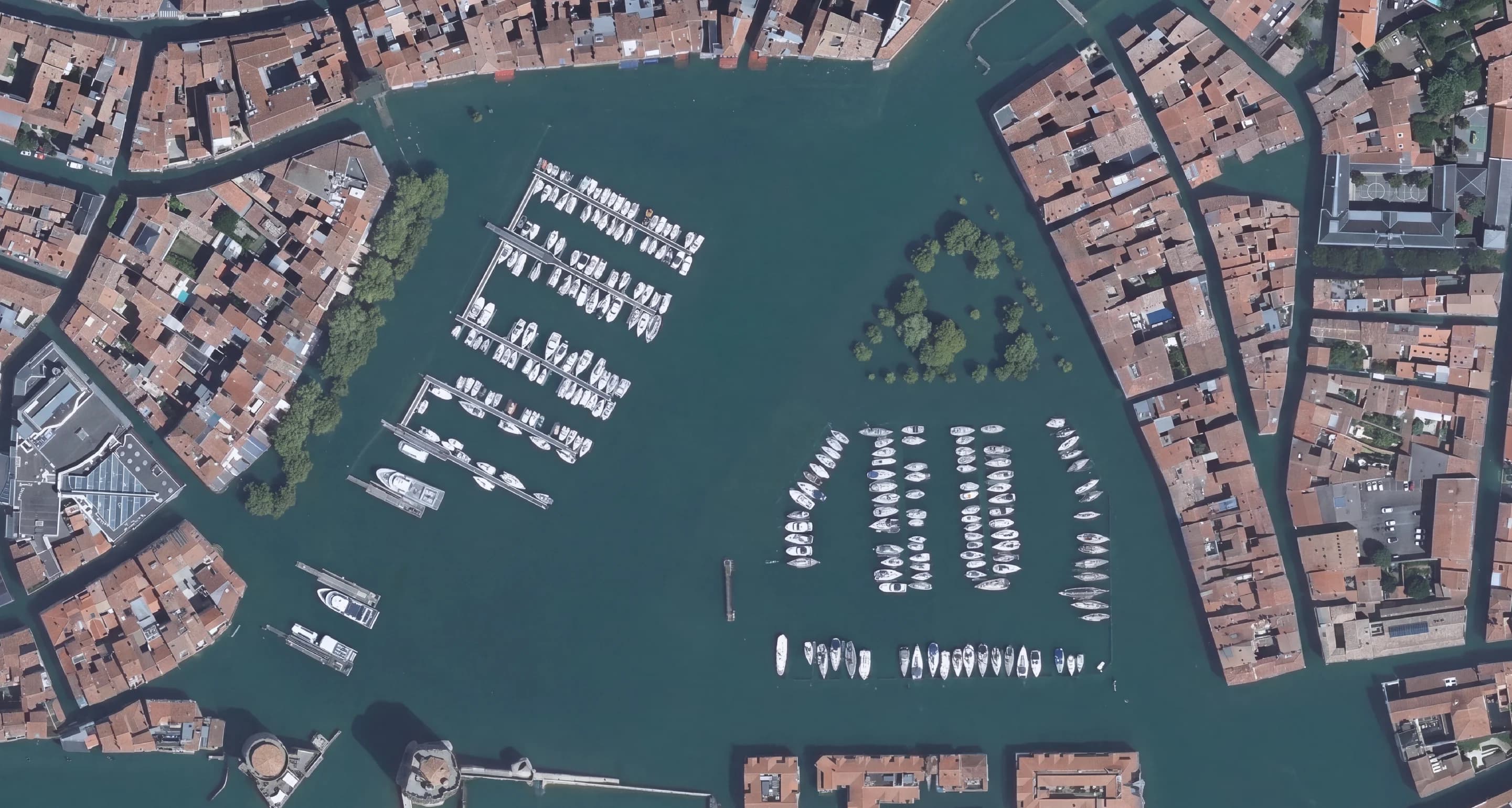
Hydrology
A flood simulated across the neighbourhood.
 Generated with AI Edit
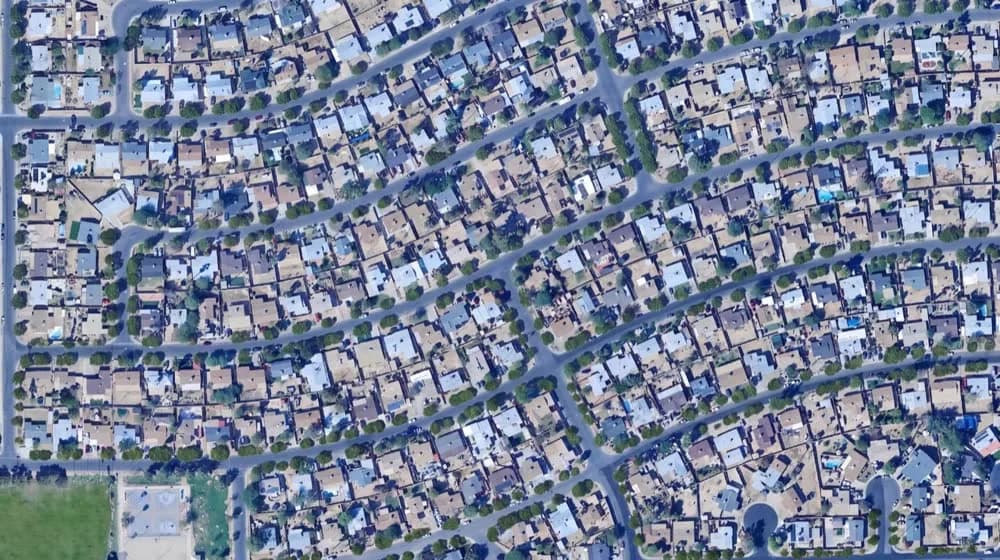
Urban planning
A street planted with trees.
 Generated with AI Edit
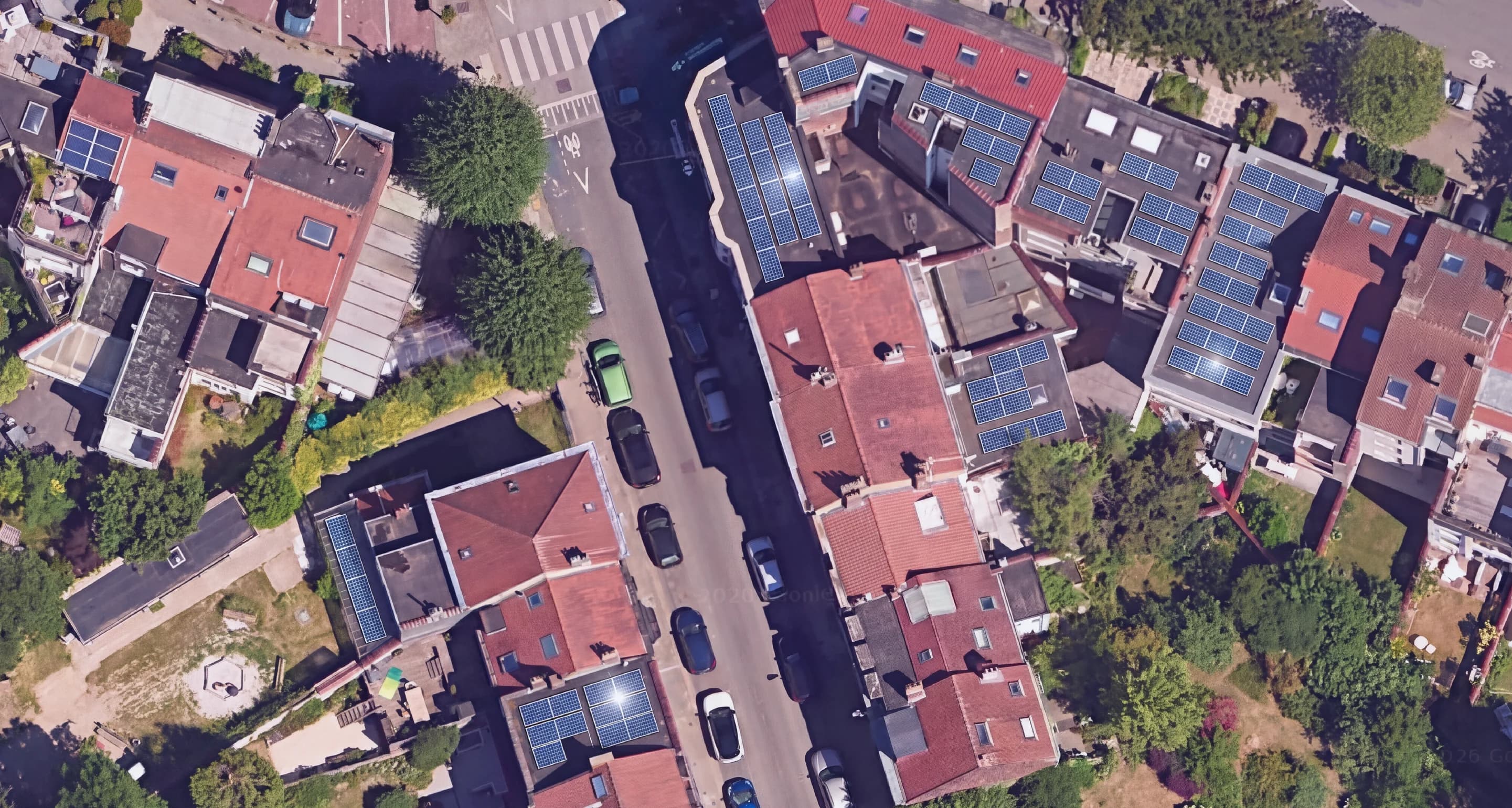
Energy
A solar farm on farmland.
One source image, three results
The first image is an orthophoto of a car park, as it sits in QGIS. The three that follow were generated from it.
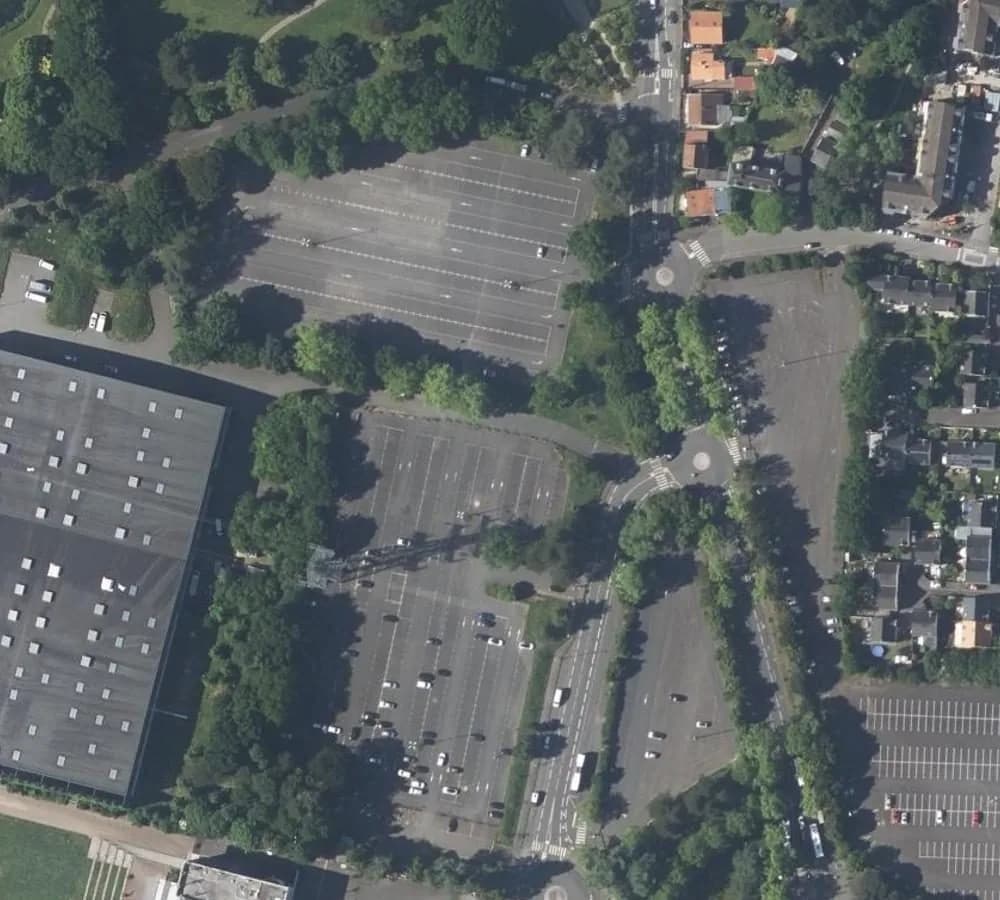 Source image
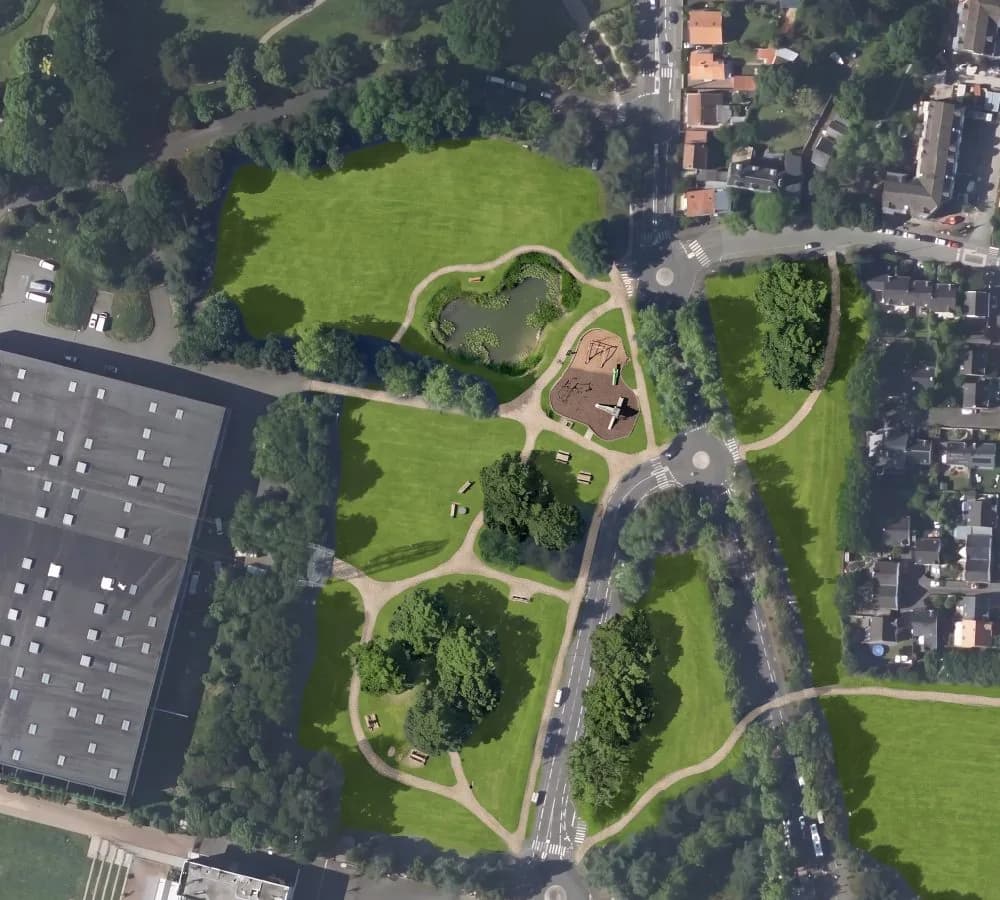 Result 1
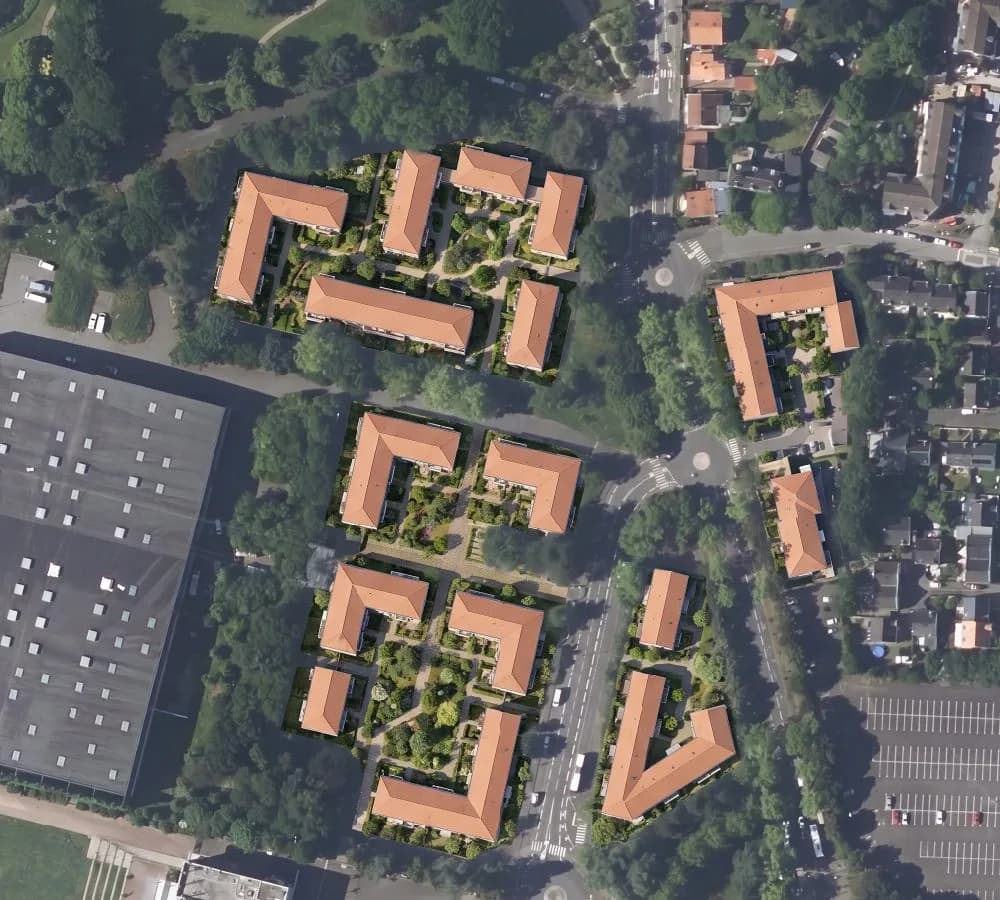 Result 2
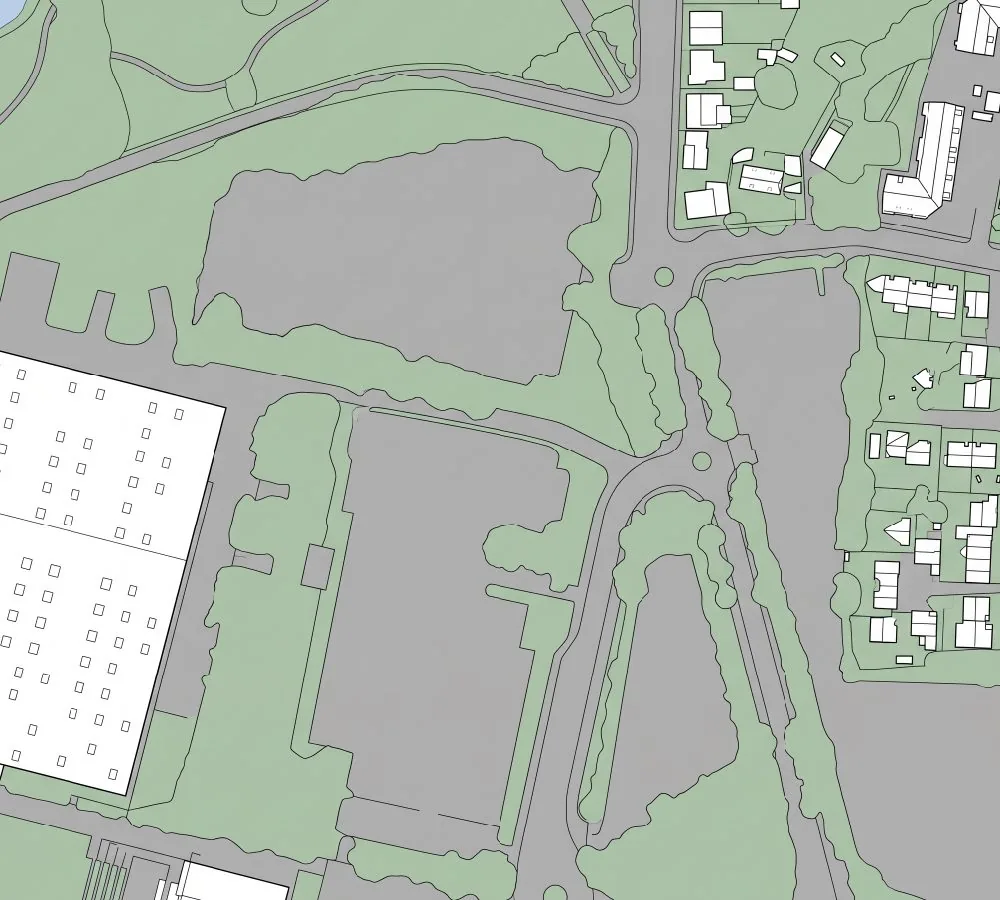 Result 3
You keep control of the generation
Four buttons in the panel: where to start from, where the change applies, what to copy, and how to carry on from a result.
Library
103 ready-made prompts in 13 categories. Pick one instead of facing an empty field.
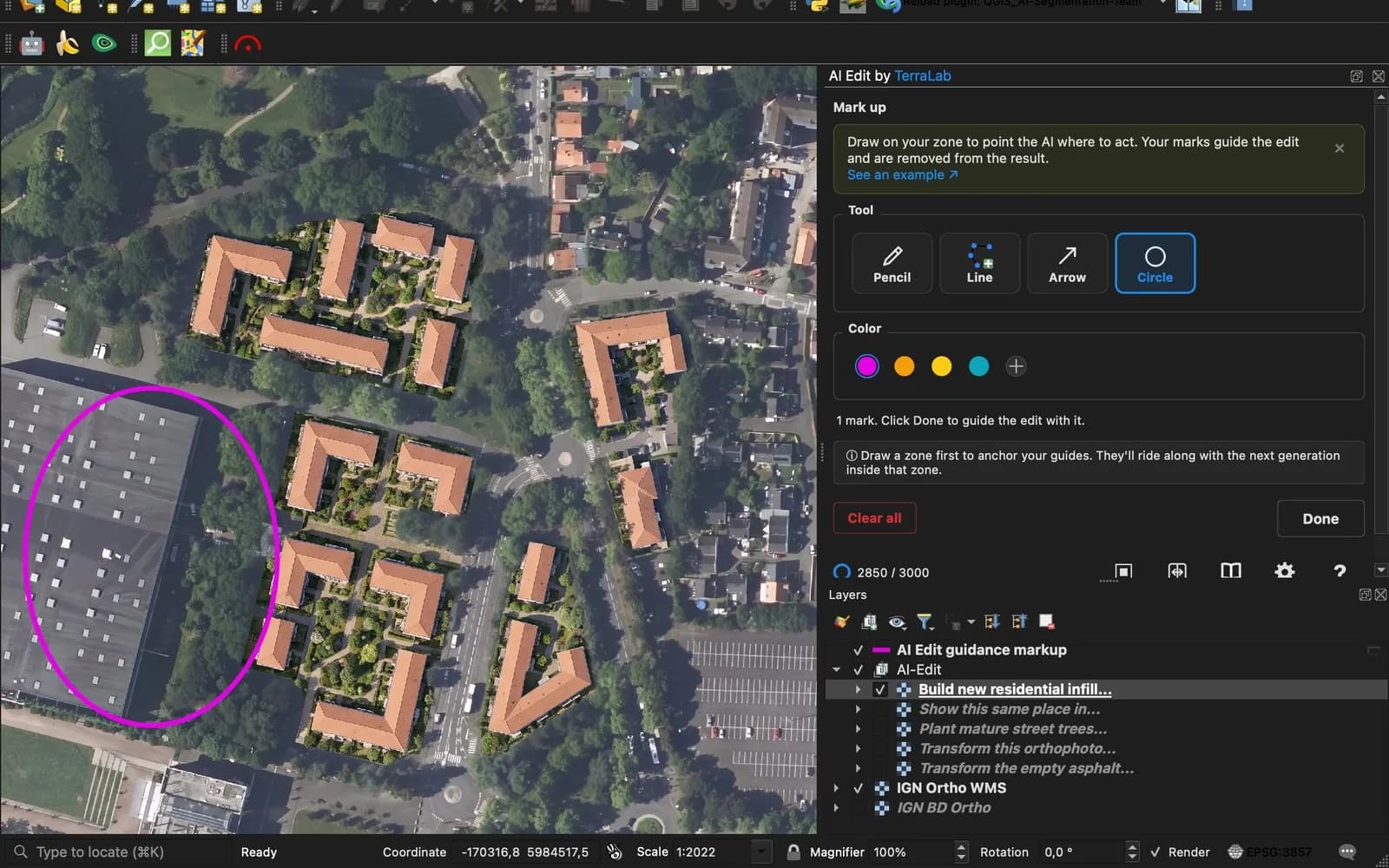
Mark up
Draw on the area to show where the change applies. The marks stay out of the result.
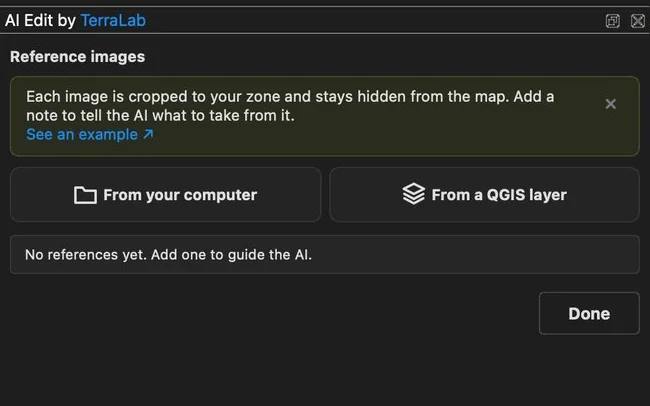
Reference images
Up to 12 reference images to show the model what to copy. They stay off the map.
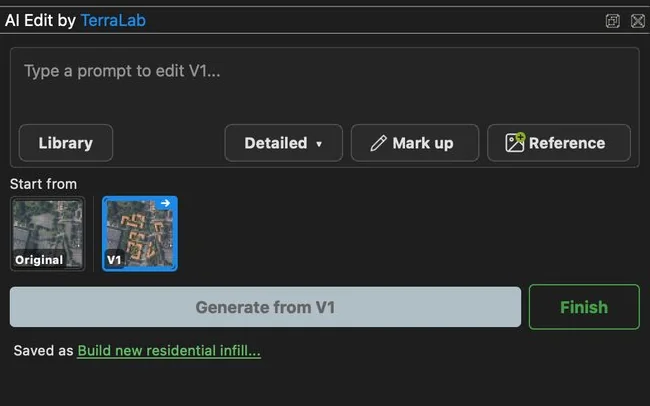
Versions
Every result is saved as a version. Run again from V1 instead of the original.
What you get back in QGIS
An image you can file
Georeferenced on your source orthophoto, aligned to the pixel, marked as AI-generated.
Polygons, in one click
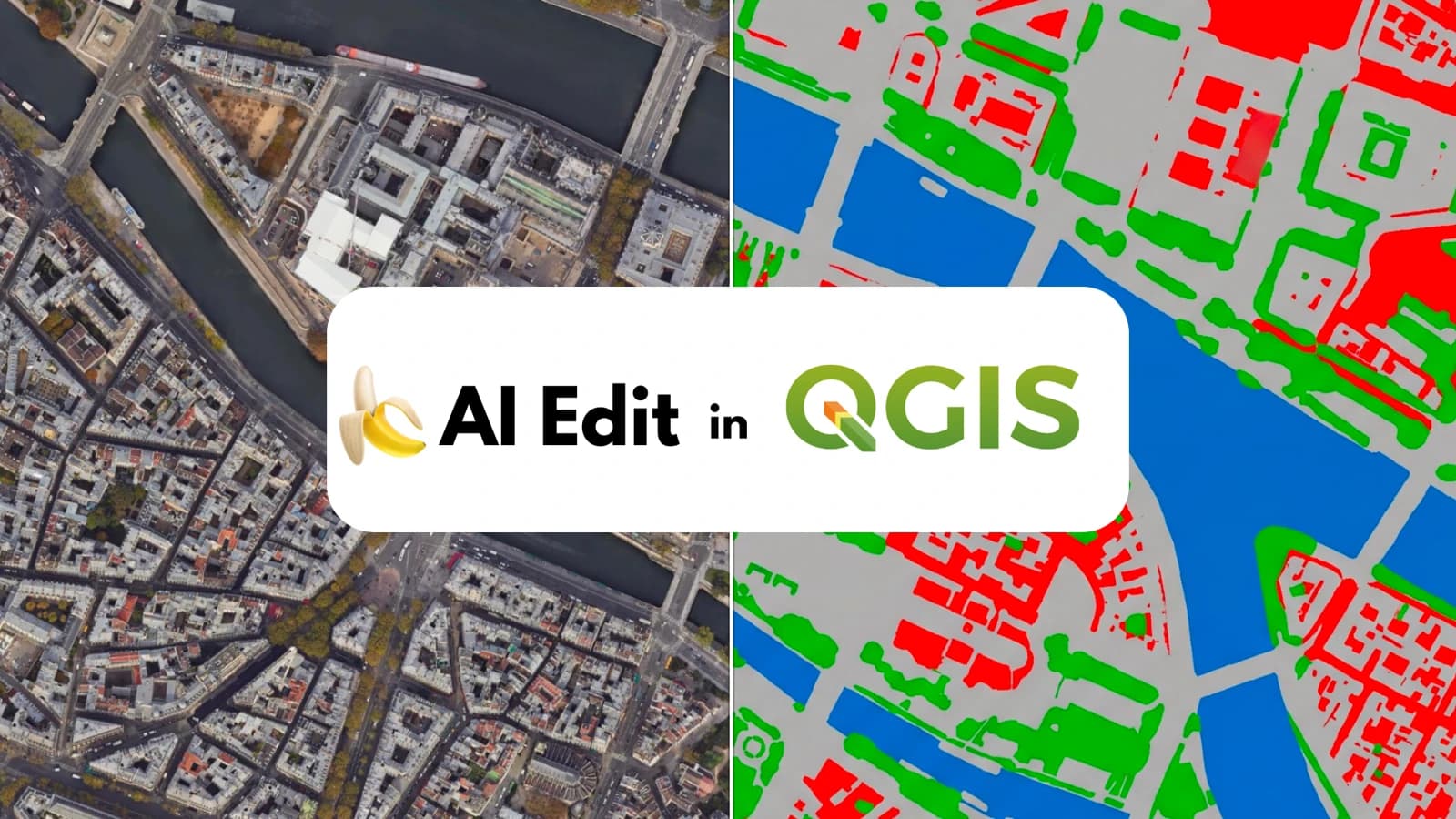
A flat-colour map converts to an editable GeoPackage, one class per colour. Exports to SHP or GeoJSON.
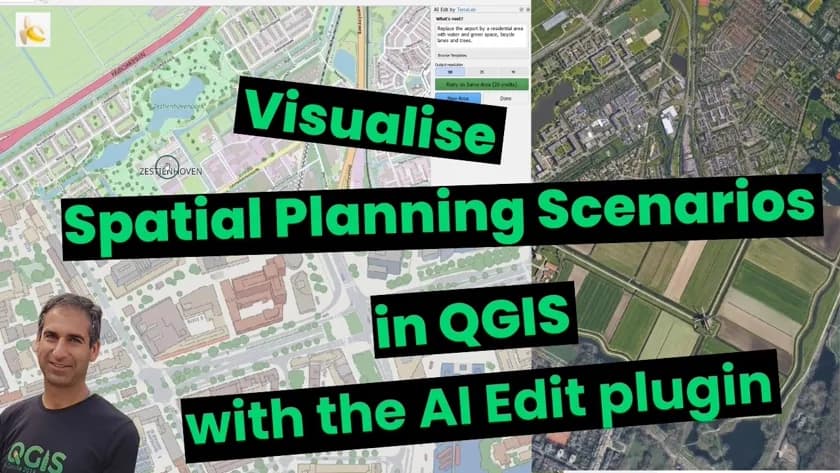
One project delivered with AI Edit
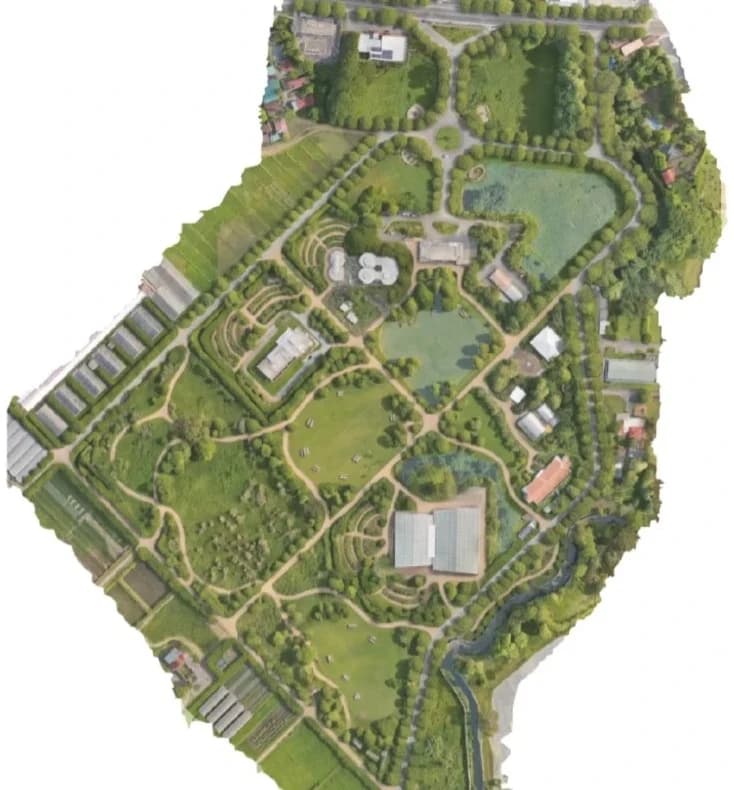
I came across TerraLab on LinkedIn and was impressed to see how it can perform land use and land cover classification on a drone dataset using prompts. I explored the plugin further and found out that I can do simulations of projects that I am designing. From there I started doing various TerraLab experiments and test its limits. I am thankful to the developers for constantly making improvements and making my life easier as an environmental consultant and permaculture designer.
Show it before you build it
Free is there to try it. Pro is there to finish the job.
To try it out
Free
No credit card.
- 3 generations per month, at Standard 1K
- Vectorize the result into editable polygons, one class per color, on your machine
- Not included:Commercial use
For you, on your own
Pro
€290 billed yearly · Save €58
- 150 generations per month
- Detailed 2K and Maximum 4K output, not just Standard 1K
- Up to 12 reference images to guide the model, instead of one
- Commercial use
For your organization
Organization
Invoice, purchase order, bank transfer
- More than 150 generations a month
- Zero data retention
- Shared access across several people
- Commercial use for the whole team
Prices excl. VAT. Tax is calculated at checkout.


Pack
Best valueEvery QGIS plugin, one subscription.
 AI Edit Pro, 3,000 credits a month
 AI Segmentation Pro, 200 km² and 500 objects a month
 AI Agent Pro, 300 runs a month
Install this plugin in QGIS
It works on the imagery already open in your project. Nothing to export, nothing to upload somewhere else.
Frequently asked questions
- AI Edit, the QGIS plugin by TerraLab, draws a project onto your own aerial imagery. Describe what you want to show, a redevelopment, a planted street, a flood, or a clean site plan, and it draws it over the area you selected. The result comes back georeferenced on the source orthophoto and marked as AI-generated, so it holds up in a client file or a planning submission.
- A georeferenced image, aligned with your orthophoto. On a land cover or building map, the Vectorize button turns it into a layer of editable polygons, one class per color, each carrying its class name and its area in m². The layer is saved as a GeoPackage and exports to SHP or GeoJSON. A development project stays an image.
- Yes. You get 3 free generations every month, renewed automatically, no credit card. Install the plugin, create a free account and start mapping right away.
- Any RGB layer you can display in QGIS: drone orthomosaics, aerial photos, satellite basemaps, scanned historical maps. Multispectral and hyperspectral bands are not supported yet.
- A generation covers the area you select, up to Maximum (4K). For big maps, run it section by section: every result is georeferenced, so the outputs align perfectly.
- Open QGIS, go to Plugins, search for "AI Edit" and click Install. No separate download needed. Works on Windows, macOS, and Linux.
- QGIS 3.22 or later and an internet connection, on Windows, macOS or Linux. No GPU. The AI runs on our servers in Europe, so a standard work laptop is enough.
- The area you select, its location, your prompt and your reference images are stored on our servers in Europe. The generation itself runs on an AI provider in the USA that may process them outside the European Union, and that partner deletes them within 30 days. We do not train any model on them and we do not share them. Keeping them is what gives you your generation history, which stays until you delete it, or for the 30 days, 90 days or 1 year you can set on Pro in Settings. You can export or delete everything yourself from the Account section of your dashboard.
- Yes, companies already run AI Edit Pro daily. Each seat is its own €29/mo subscription with its own account. For several seats, centralized billing or volume pricing, contact us.
- The plugin talks to one server, over HTTPS. The image area you pick is processed and stored in the European Union. Nothing else leaves QGIS: we do not read your other layers and we do not open your project file. Ask us for what your review needs and we answer in writing.
- No, AI Edit is QGIS-only. QGIS is free and runs alongside ArcGIS, and the georeferenced outputs import anywhere as standard rasters.
- Yes. Write to us and we send a quote before anyone pays, then one invoice for the whole team. We take purchase orders and bank transfers, and we can bill once a year to match your budget. We answer within a day.
- Yes, automatically. Every output carries tags embedded in the file itself: AI_GENERATED=TRUE, the note "Synthetic imagery, not survey data", plus the prompt and the date. They show up in QGIS (Properties > Metadata), in ArcGIS, and in any tool that reads file tags, so a generated image can never be mistaken for a real aerial survey. If the file ends up in a regulatory or client report, you can prove it was clearly labelled. This already meets the EU AI Act (article 50) machine-readable marking rule which applies from 2 August 2026.