


置信度
提高數值,只保留模型高度確定的形狀。降低數值,讓不確定的形狀重新出現。
安裝前須知
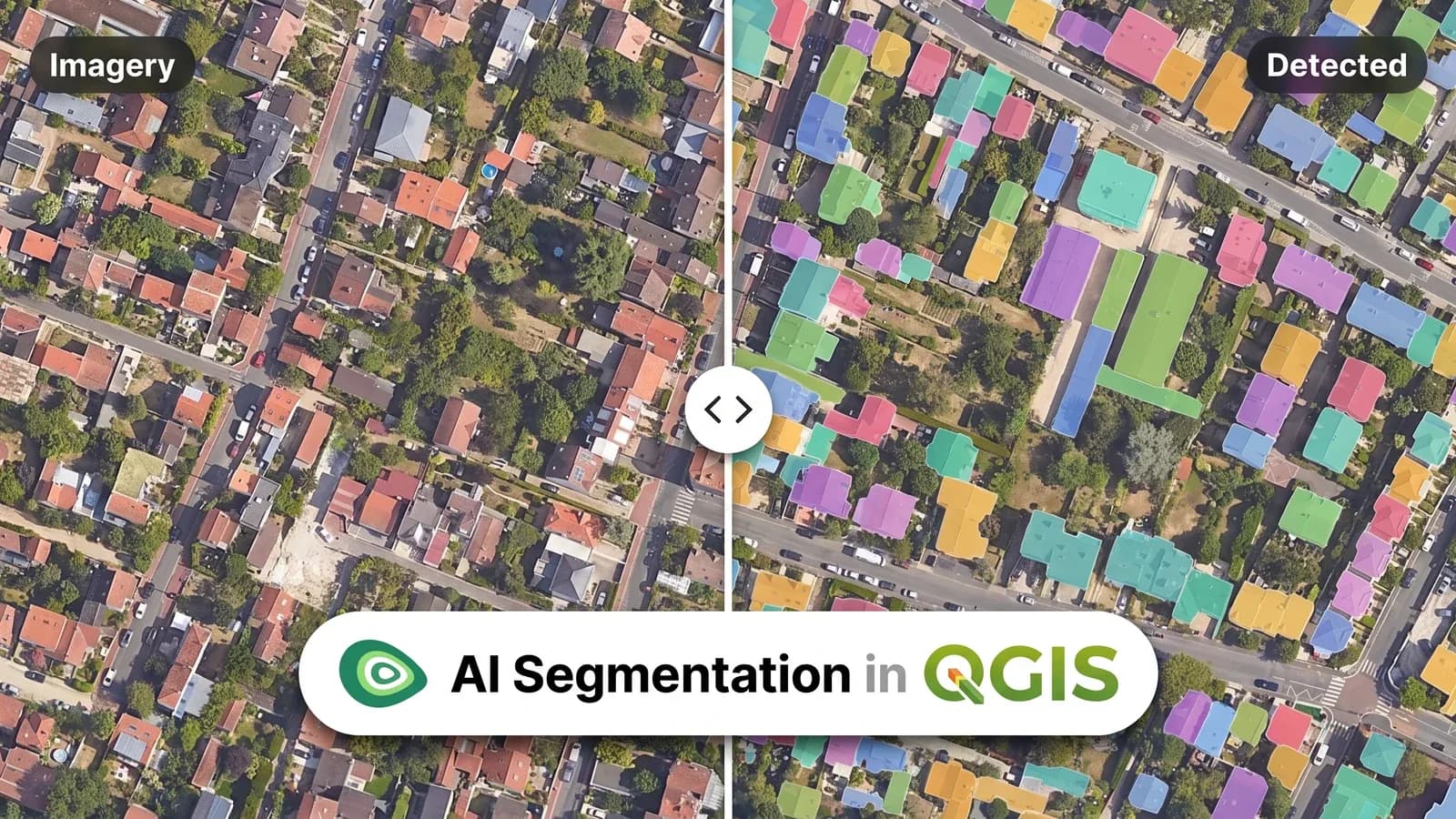
AI Segmentation 是 TerraLab 推出的 QGIS 外掛,把航空或衛星影像轉成向量多邊形。
描述您要找的東西,它就會找出所有的:建築物、樹木、太陽能板、道路、泳池、地塊,以及任何您能描述的對象。它讀取 QGIS 已顯示的任何網格資料,從無人機正射影像到 WMS,回傳一個向量圖層,在您的專案 CRS 中,每個多邊形都帶有 id、class、area 和 confidence。
兩種模式
一種涵蓋您繪製的區域,另一種追蹤您點選的物件。
自動
繪製矩形、輸入物件名稱,範圍內所有符合的物件會在兩到三秒內回傳。適合重複出現的物件,例如屋頂、太陽能板、地籍、樹冠。

您得到什麼
一個圖形即可涵蓋整個街區。
在歐洲的伺服器上執行。按地面面積的 km² 計算。
選擇此模式 當您原本需要一再描繪相同形狀時。
半自動
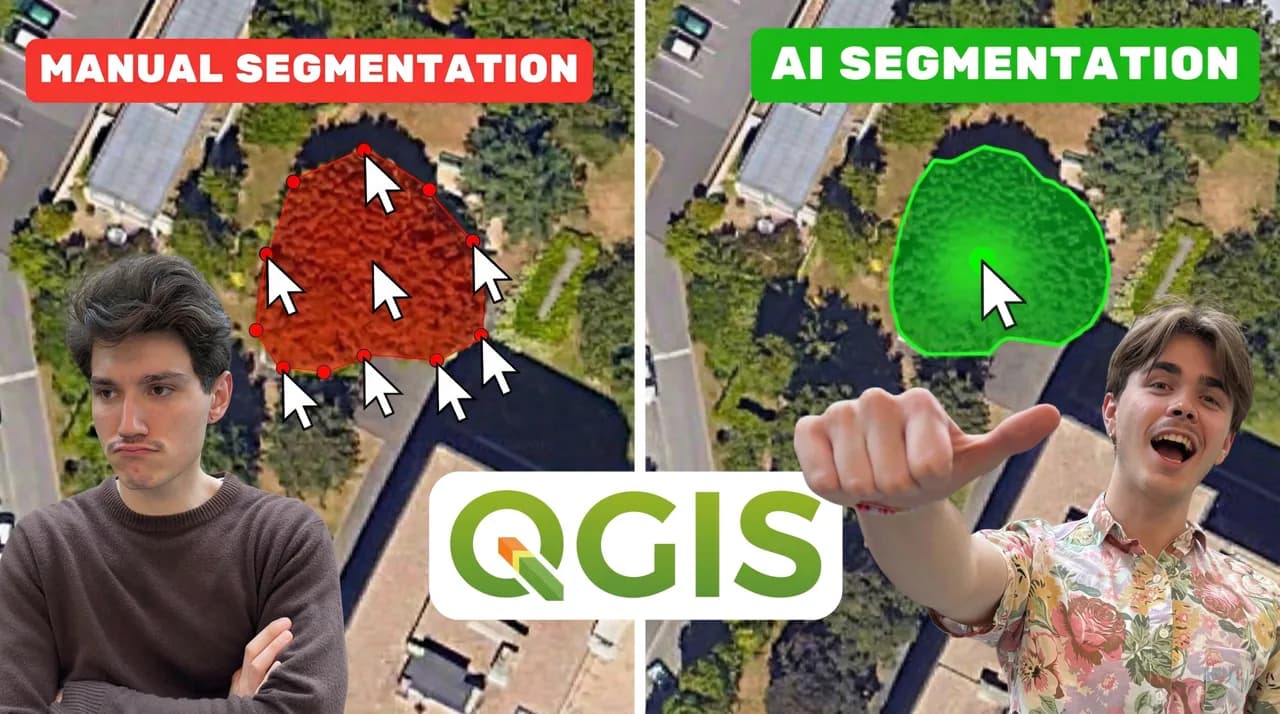
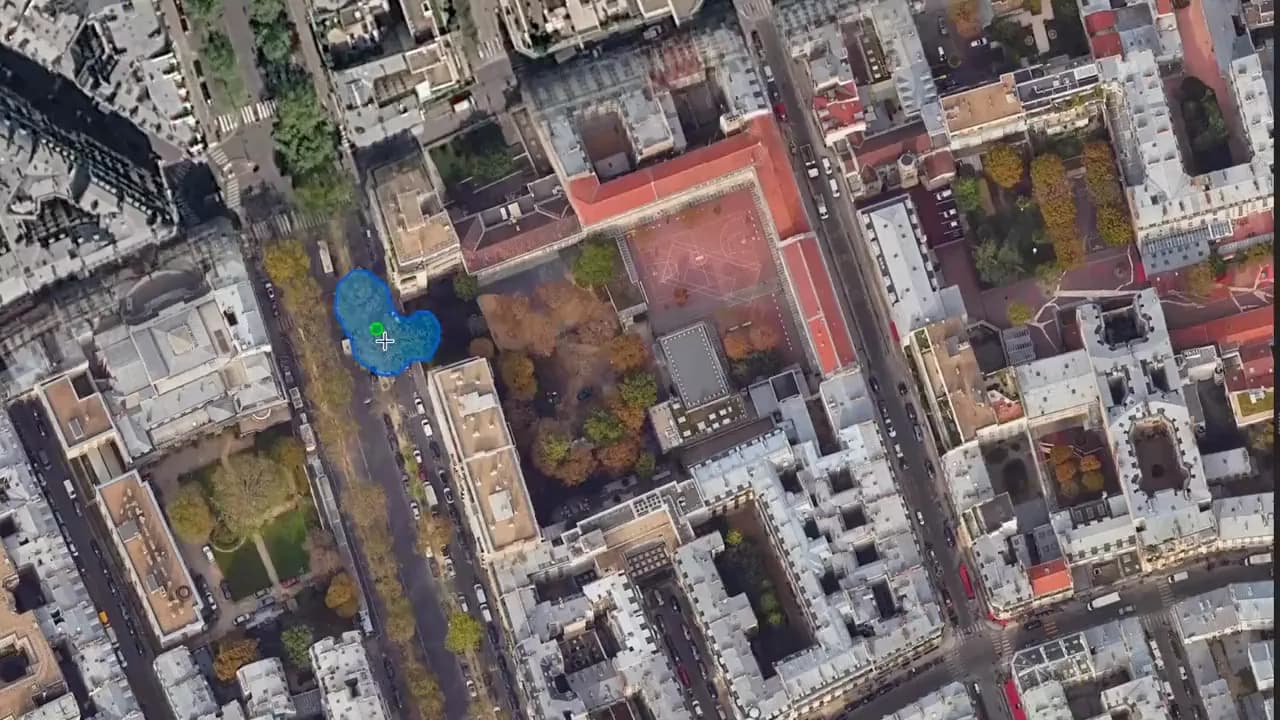
點選目標物件,不到一秒即可完成描繪。儲存後繼續處理下一個。適合形狀不規則的物件,例如牆面、特殊庭院或邊界不清楚的區域。

您得到什麼
您選擇每個落入圖層的物件。
可使用歐洲的伺服器,也可在自己的電腦離線執行。按儲存的物件數量計算。
選擇此模式 當物件很少,或形狀太不規則,無法用一個描述涵蓋時。
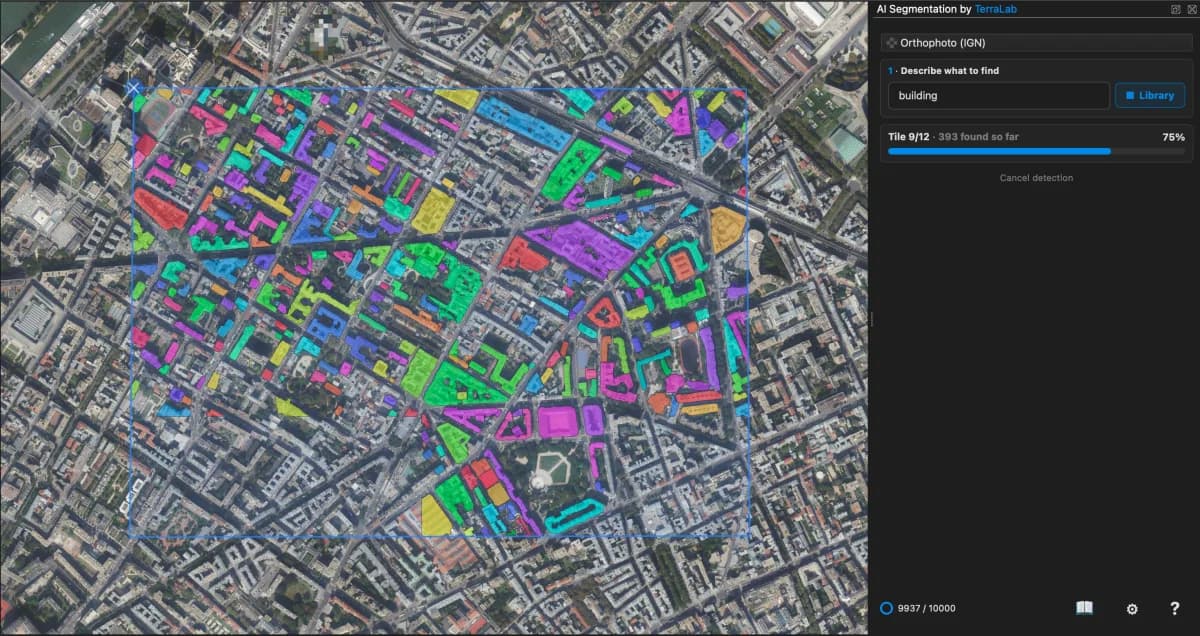
自動模式
簡單來說:建築物、樹木、道路、太陽能板。任何您能命名的物件都可以。
在影像上繪製一個物件,模型就會依此辨識。提供更多範例可提高執行結果的精確度。
精度會將範圍切分為圖磚。小圖磚能捕捉小型物件。大圖磚提供農地地塊所需的更廣視野。
半自動模式
一次處理一個物件,這是刻意的設計。一次選取兩個物件會產生較差的形狀,因此面板會逐一儲存,讓圖層保持整潔。
小型開放原始碼模型,只需安裝一次。它會在自己的電腦上離線執行,不計次數,但速度較慢、精度較低。
一次下載,之後沒有任何東西離開您的電腦
不需安裝,使用更強的模型,點選後不到一秒完成。伺服器位於歐洲。
不需安裝任何東西。點選免費,每次儲存從每月額度計入一個物件
真實執行
下面每個範例都是 QGIS 中的真實自動執行。每個多邊形都帶有面積和信心度分數,所以您可以在匯出前篩選。
 之後
之後 之前
之前街區內的每一個屋頂,來自您自己的影像。
 之後
之後 之前
之前整個太陽能電站,一塊一塊。
 之後
之後 之前
之前公園上 925 個樹冠,各為一個多邊形。
 之後
之後 之前
之前密集城區的道路擷取。
 之後
之後 之前
之前住宅區內的每個後院游泳池。
 之後
之後 之前
之前土地覆蓋製圖的農地地塊。
兩種模式
AI能正確處理大部分內容。這八個控制項可在自動模式和半自動模式中補齊可能遺漏的最後10%。交付的圖層經得起專業檢查。它們不會修改任何計數器。
提高數值,只保留模型高度確定的形狀。降低數值,讓不確定的形狀重新出現。
設定最小和最大面積。超出範圍的形狀會被移除。
讓牆壁保持直線,不再搖晃。建築物預設開啟。
相反的設定,適用於樹冠和沒有直線邊界的物件。
將輪廓簡化為所需的點,讓圖層保持輕量,方便編輯。
將每個多邊形向外擴展成環域,或在輪廓過寬時向內縮減。
將一個多邊形切成兩個,或只重繪一條邊,其他部分保持不變。
依信心度為批次上色,或切換為輪廓線,檢查與影像的套合程度。
您最後會得到什麼
匯出會將標準向量圖層加入面板。在專案 CRS 中,每個多邊形都包含 id、指定的 class、area_m2、perim_m 和 confidence。
無論使用哪種方案,包括 Free,匯出的資料都歸您所有。
屬性表
| id | class | area_m2 | perim_m | confidence |
|---|---|---|---|---|
| 1 | building | 184.2 | 58.6 | 0.97 |
| 2 | building | 96.5 | 41.0 | 0.94 |
| 3 | building | 212.8 | 63.4 | 0.91 |
| 4 | building | 77.1 | 35.2 | 0.88 |
Free 供您試用。Pro 助您完成工作。

供您個人使用
For teams and companies
300, 500, 1,000 km² or more
Valid 12 months · price on request
價格未稅,稅金於結帳時計算。
所有 QGIS 外掛,一份訂閱。
 AI Segmentation Pro,每月 200 km² 和 500 個物件
 AI Edit Pro,每月 3,000 點數
 AI Agent Pro,每月 300 次執行
法國公司。託管於歐洲。GDPR: DPA 和子處理者
逐項比較 Free 與 Pro。
自動模式會按區域涵蓋的地面範圍計算,以地圖上的 km² 為單位。雲端半自動模式每儲存一次計算一次物件偵測。點擊和修正免費。在您自己的電腦上使用半自動模式不限次數。
| 包含內容 | 免費 | Pro |
|---|---|---|
| 每月自動偵測面積 | 1.5 km² | 200 km² |
| 單次可繪製的最大面積 | 1.5 km² | 無限制 |
| 每月在半自動模式中儲存的物件 | 20 | 500 |
| 每次執行的繪製範例 | 1 | 最多 5 |
| 在自己的電腦上使用半自動模式 | 不計數 | 不計數 |
| 保存包含影像的執行結果,之後可重新開啟 | 不包含 | 已包含 |
| 商業用途 | 不包含 | 已包含 |