

Add TerraLab to ChatGPT, Claude and Cursor
Map data, coordinates and GIS files in your AI assistant, ready for QGIS.
https://mcp.terra-lab.ai/mcp Add to Claude
 ChatGPT app coming soon
No account, no key. Every tool is read-only.
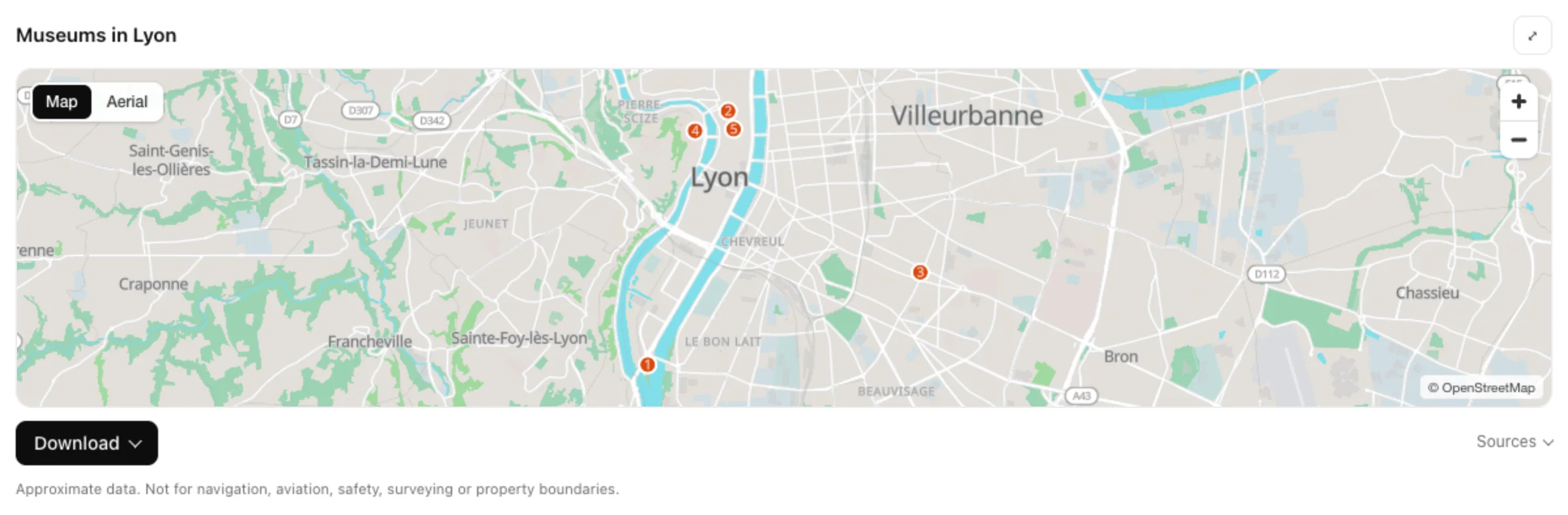
Ask for map data in plain words.
Buildings, roads, contours, elevation, coordinates or a French parcel. The answer is a map in the chat, with files that open in QGIS.
Click Add to Claude: Claude opens its Connectors page with the URL filled in. Click Add.
Add to ClaudeAny other assistant that accepts a remote MCP server works with the same URL.
Working in QGIS?
Our plugins bring AI inside your project.


Questions
Questions or a tool that does not answer as expected? Write to yvann.barbot@terra-lab.ai
- Do I need an account?
- No. There is no sign-in and no key: paste the URL and ask.
- Do I need QGIS?
- No. The map shows in the chat, and the files open in QGIS, ArcGIS or any other GIS.
- Where does the data come from?
- OpenStreetMap, Overture Maps, Copernicus DEM, ESA WorldCover, Sentinel-2 and IGN. Every answer names its sources and every download includes its licence.
- What is stored?
- Not your conversation. The server logs the tool name, status and duration, not your queries, addresses or files.