



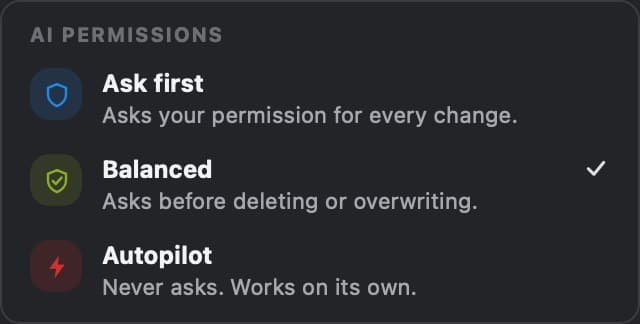
Approve sensitive changes
By default, deleting or overwriting waits for your confirmation.
- Ask first
- Balanced
- Autopilot
 AI Agent QGIS
Describe the task in one message. It finds the data, runs the analysis, styles the layers and builds the print layout in your open project.
Start with 5 free tasks a month. No API key. No credit card. Pro free for 7 days.
“One of the best that I've seen for agents in QGIS.”
 Hans van der KwastReview on YouTube · 13 min
Wired to your layers, our open data catalogue and every QGIS tool, it does the work in your project.
GeoPackage, Shapefile, GeoTIFF, CSV
From 89 sources, clipped to your area

And 39 plugins it can drive
Checked workflows, plus the QGIS manual

 AI Agent
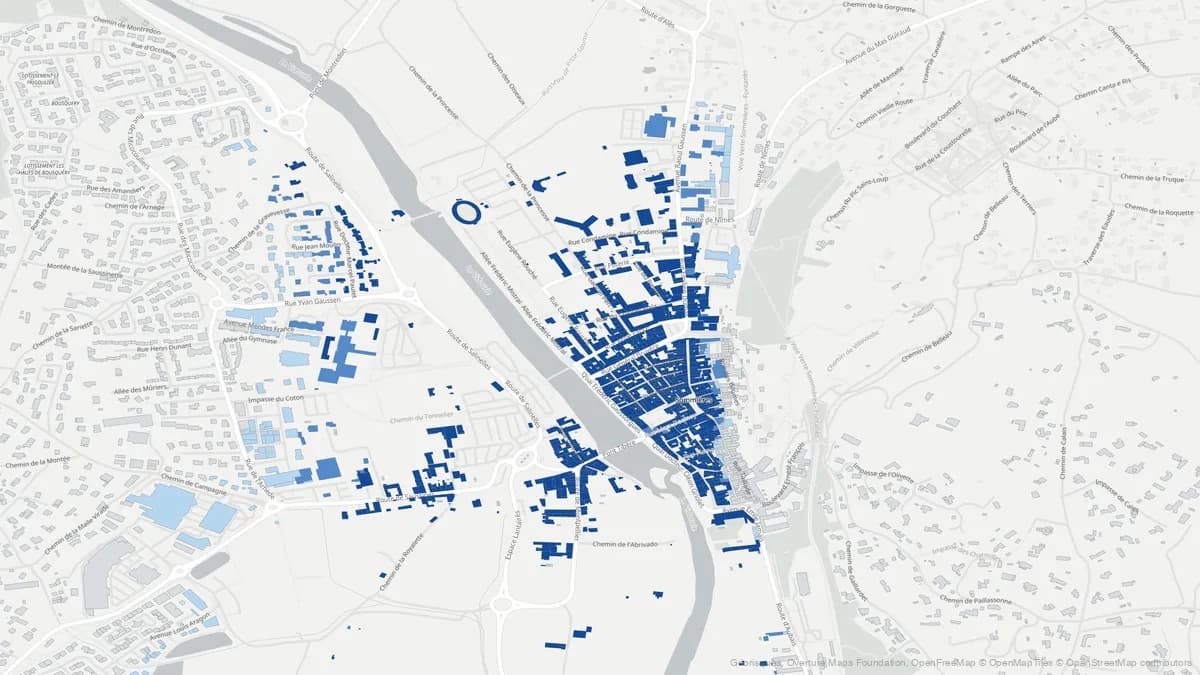
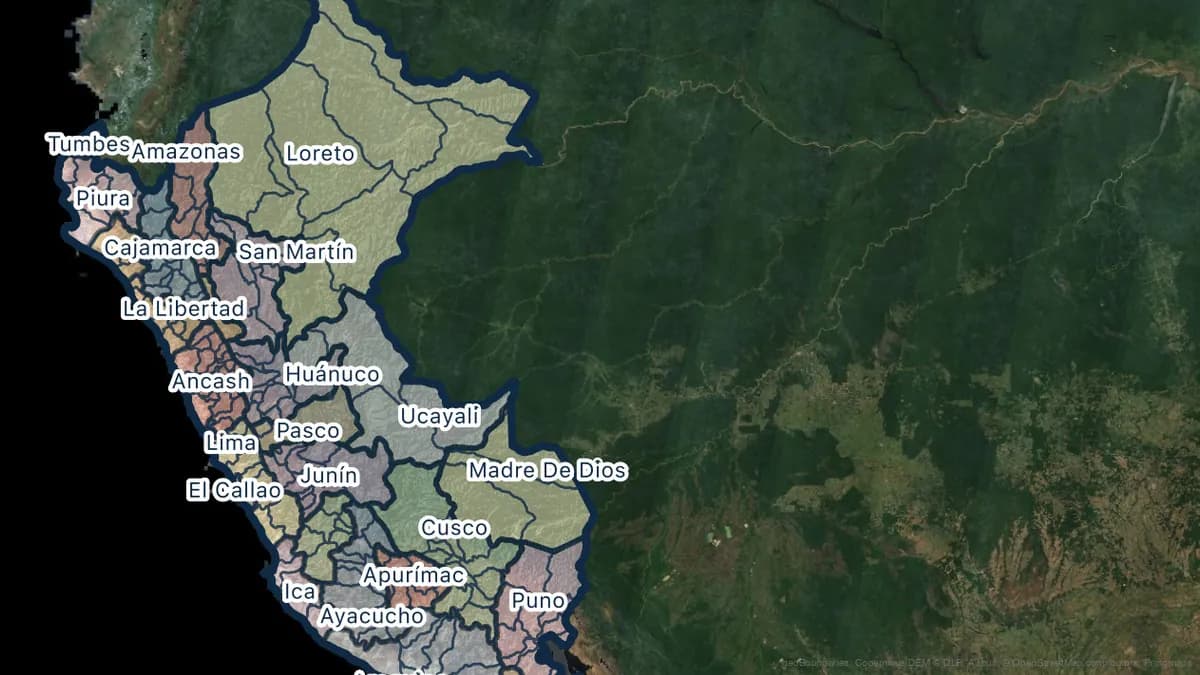
Show the buildings of Sommières that stand in a flood zone.
Loaded from
Use cases
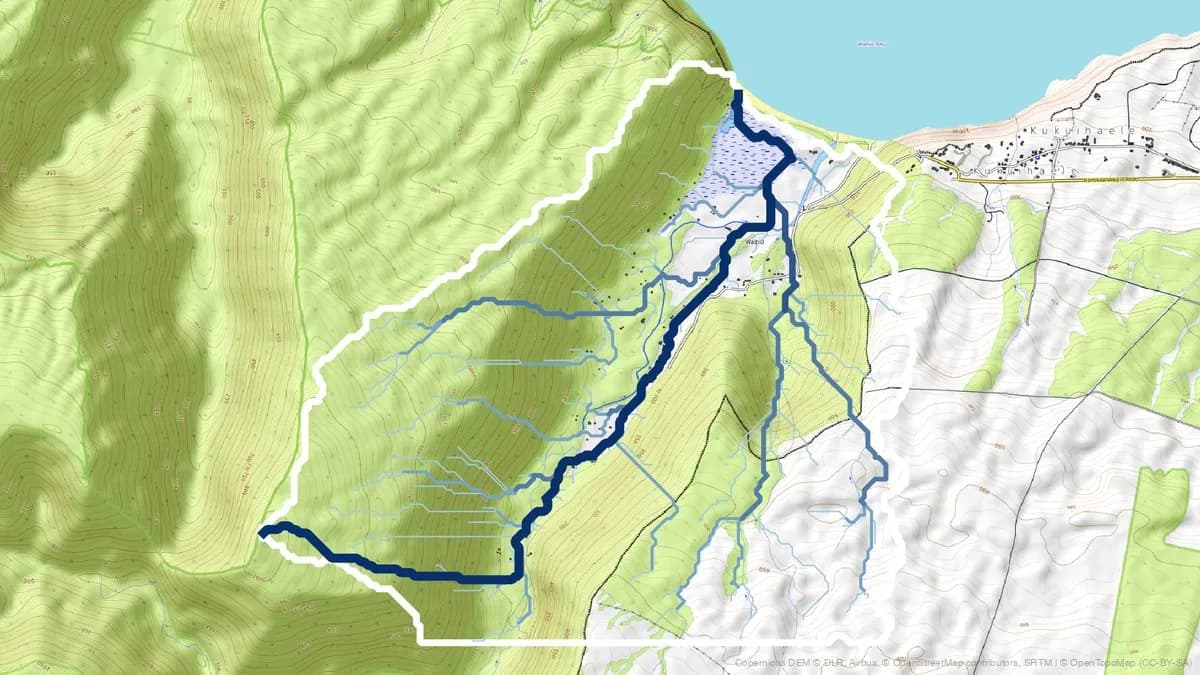
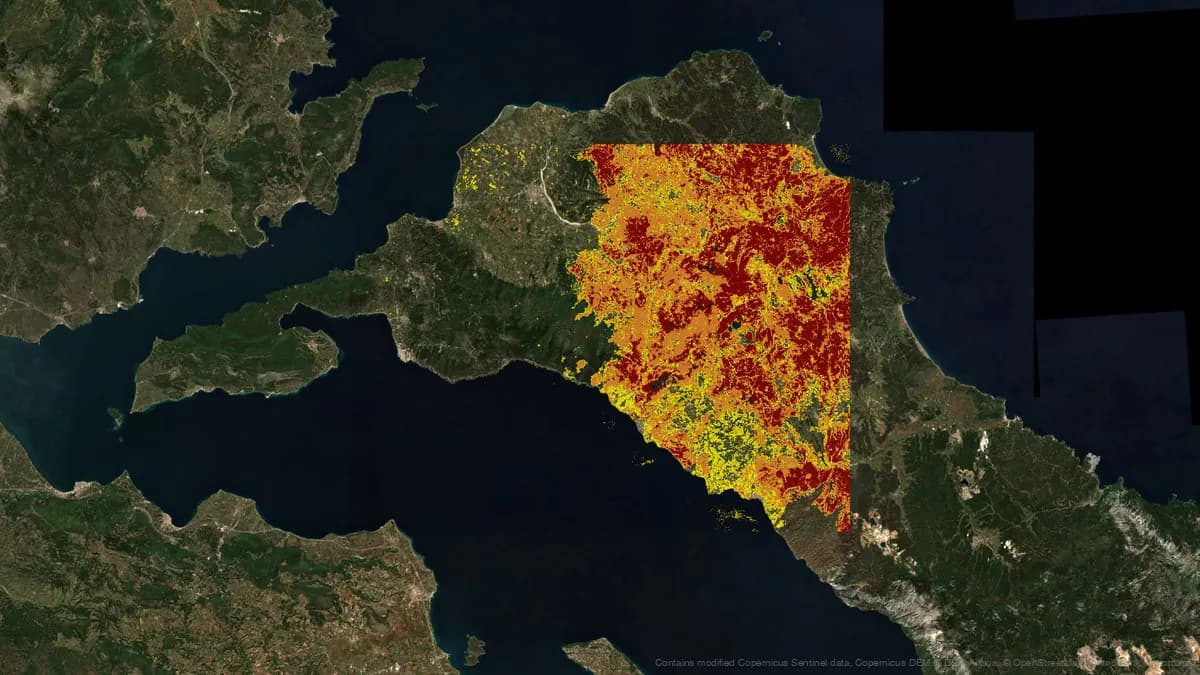
Real messages sent in an empty QGIS project. Drag the slider to compare.
The message
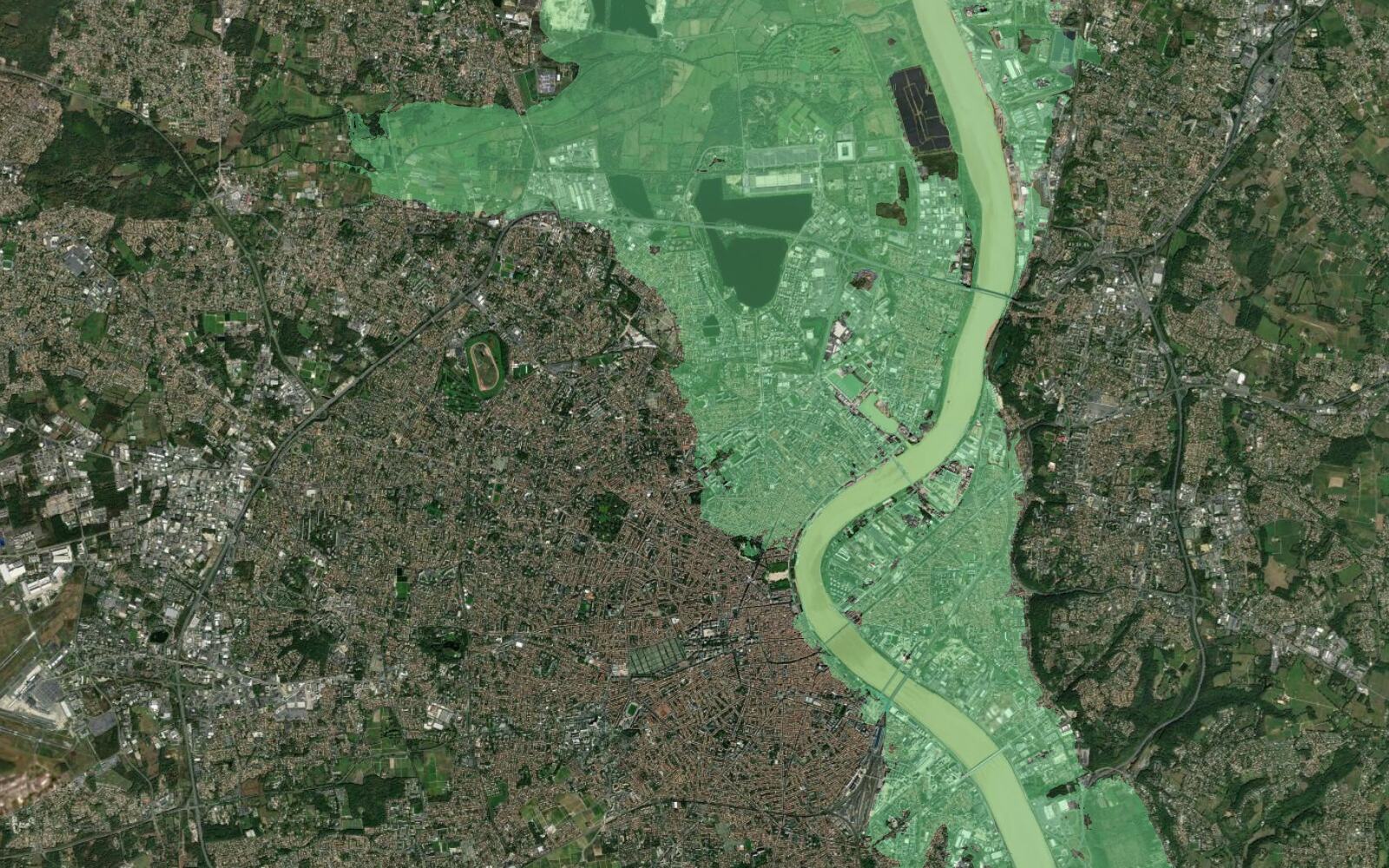
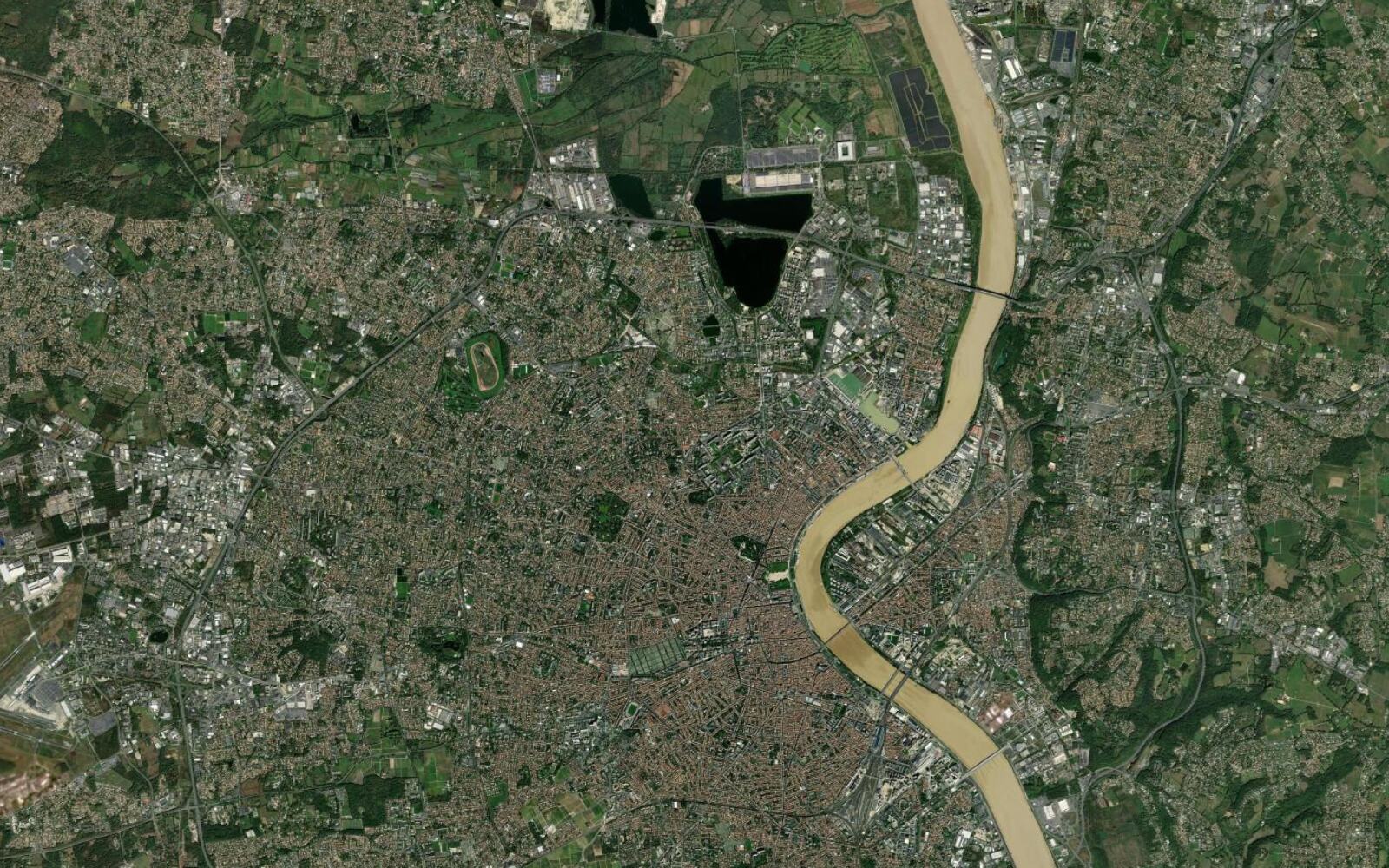
Find the official flood risk zones for Bordeaux, France and show them over a satellite basemap.
Three official flood scenarios along the Garonne, over satellite imagery.
The message
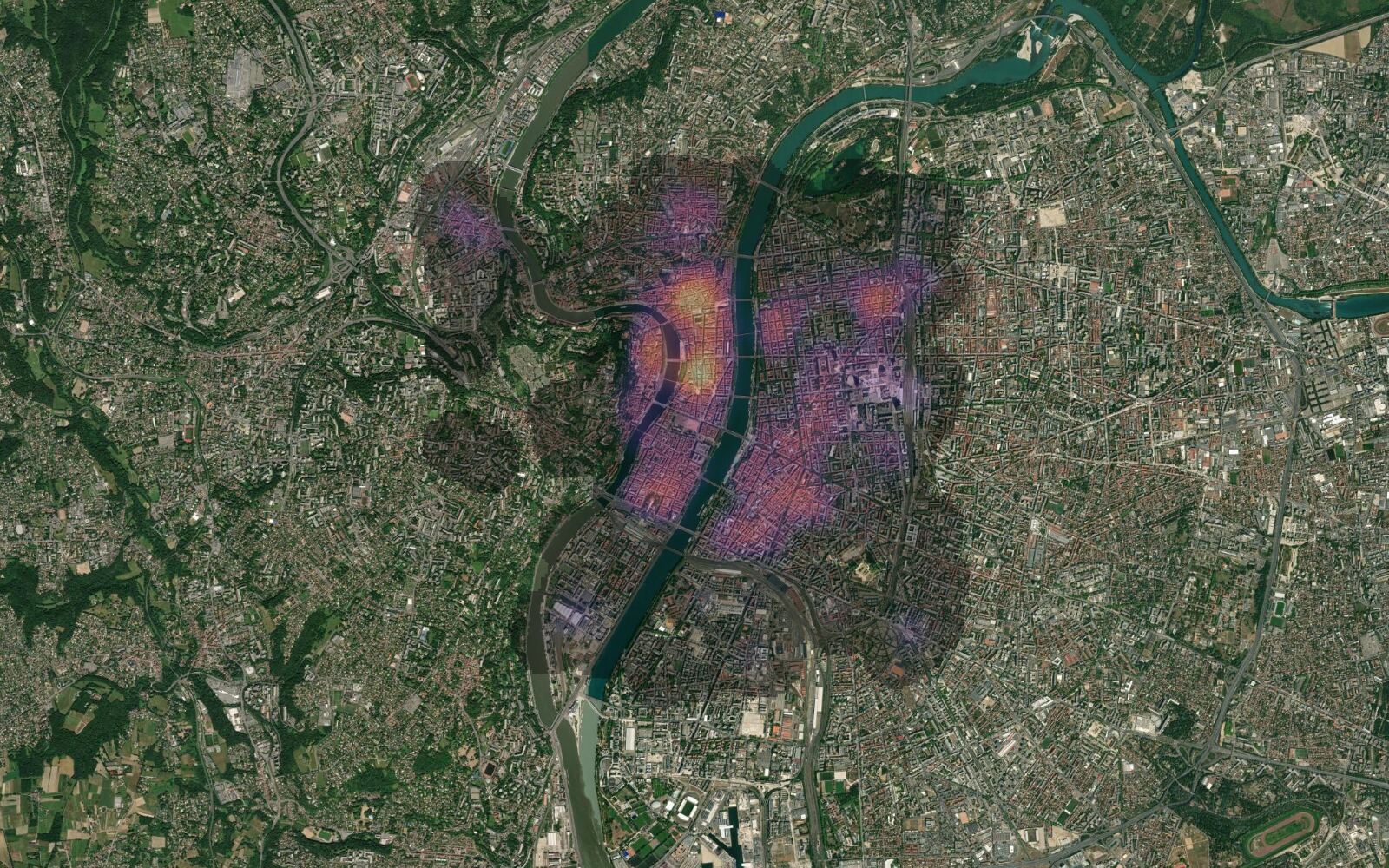
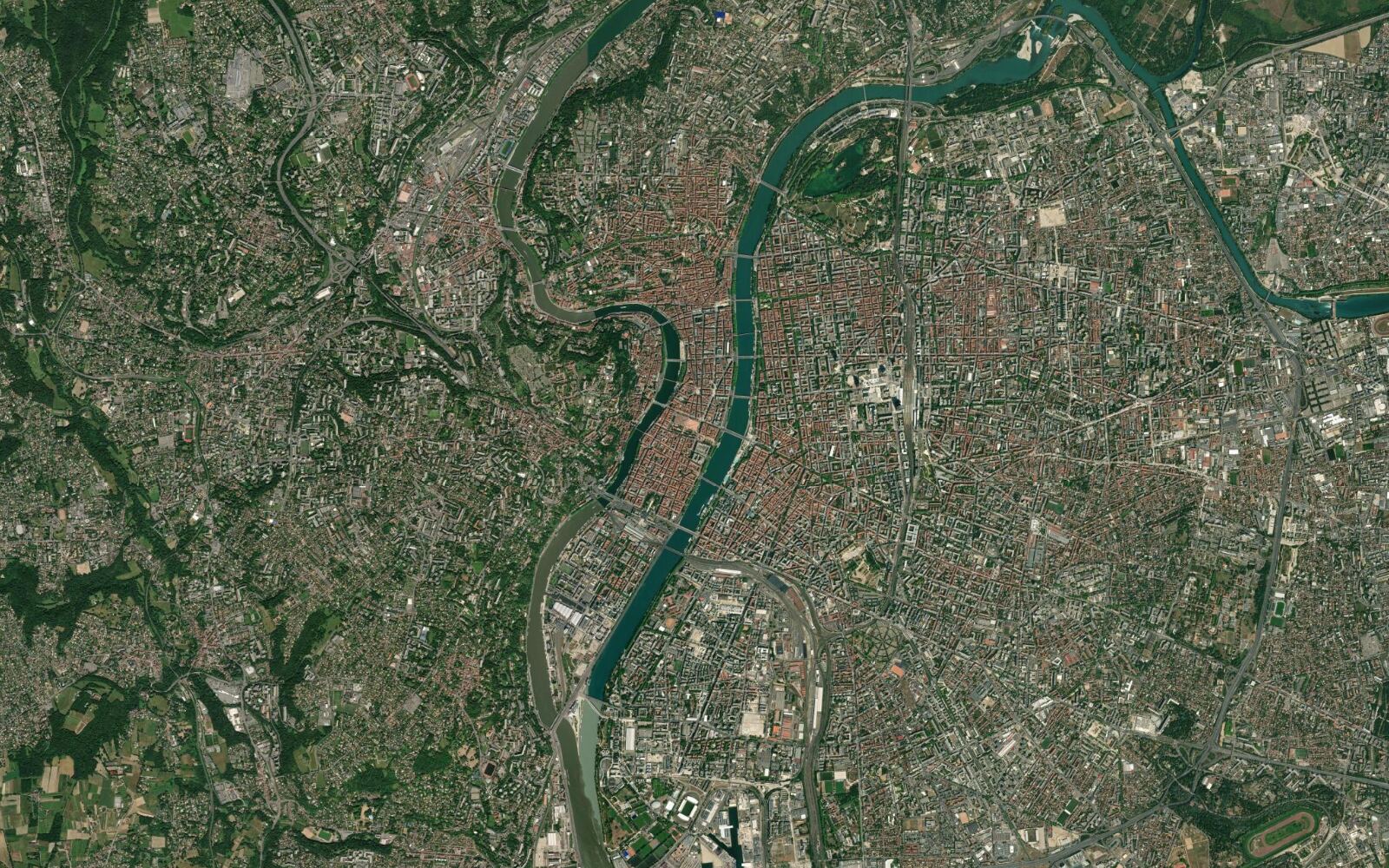
Make a heatmap of the restaurants and cafés in central Lyon, France, over a satellite basemap.
582 places loaded, a metric CRS set and a 350 m heatmap drawn.
The message
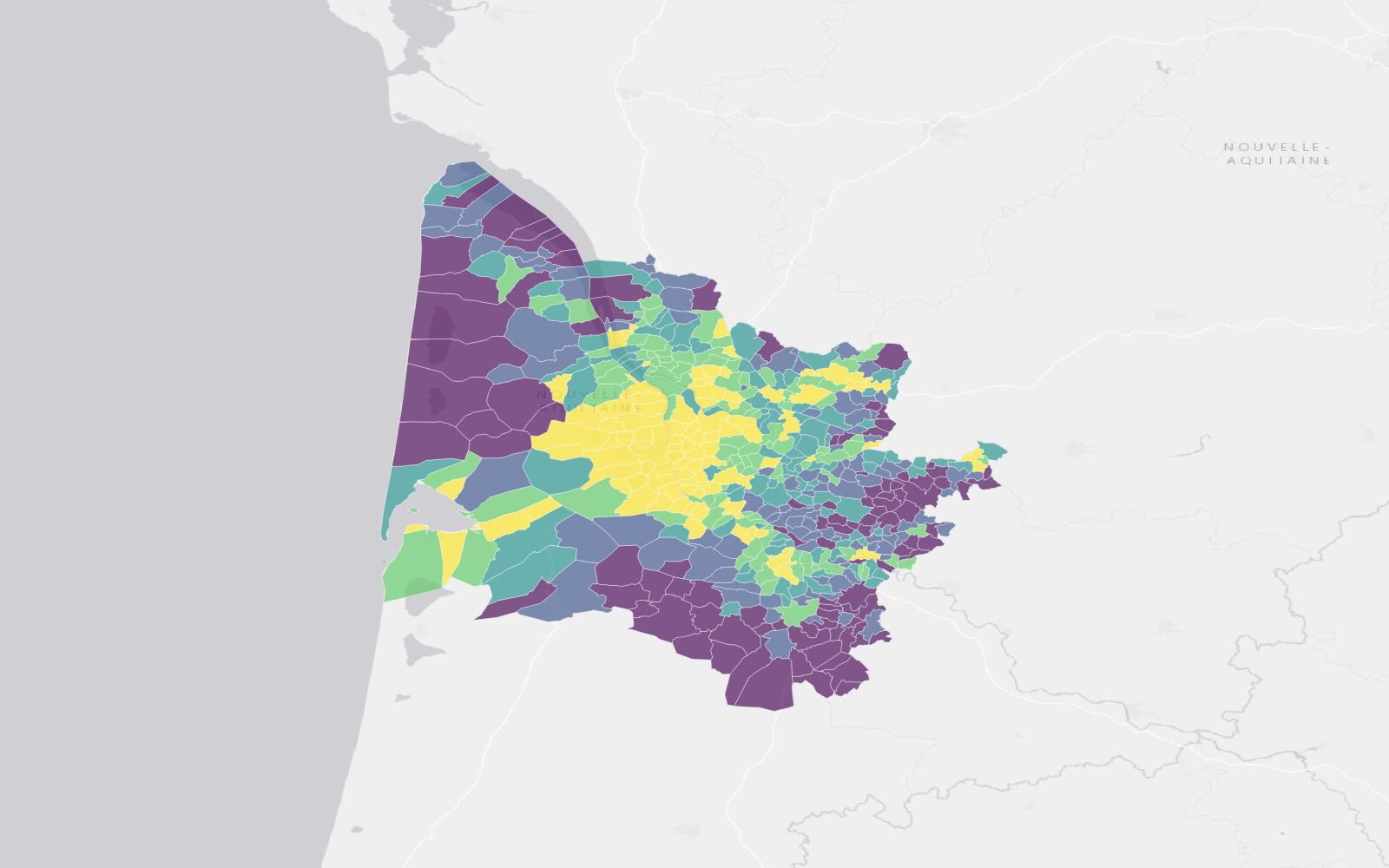
Map the population density of the communes of Gironde, France, as a choropleth with a legend, over a light basemap.
534 communes coloured in five density classes, with a legend.
The message
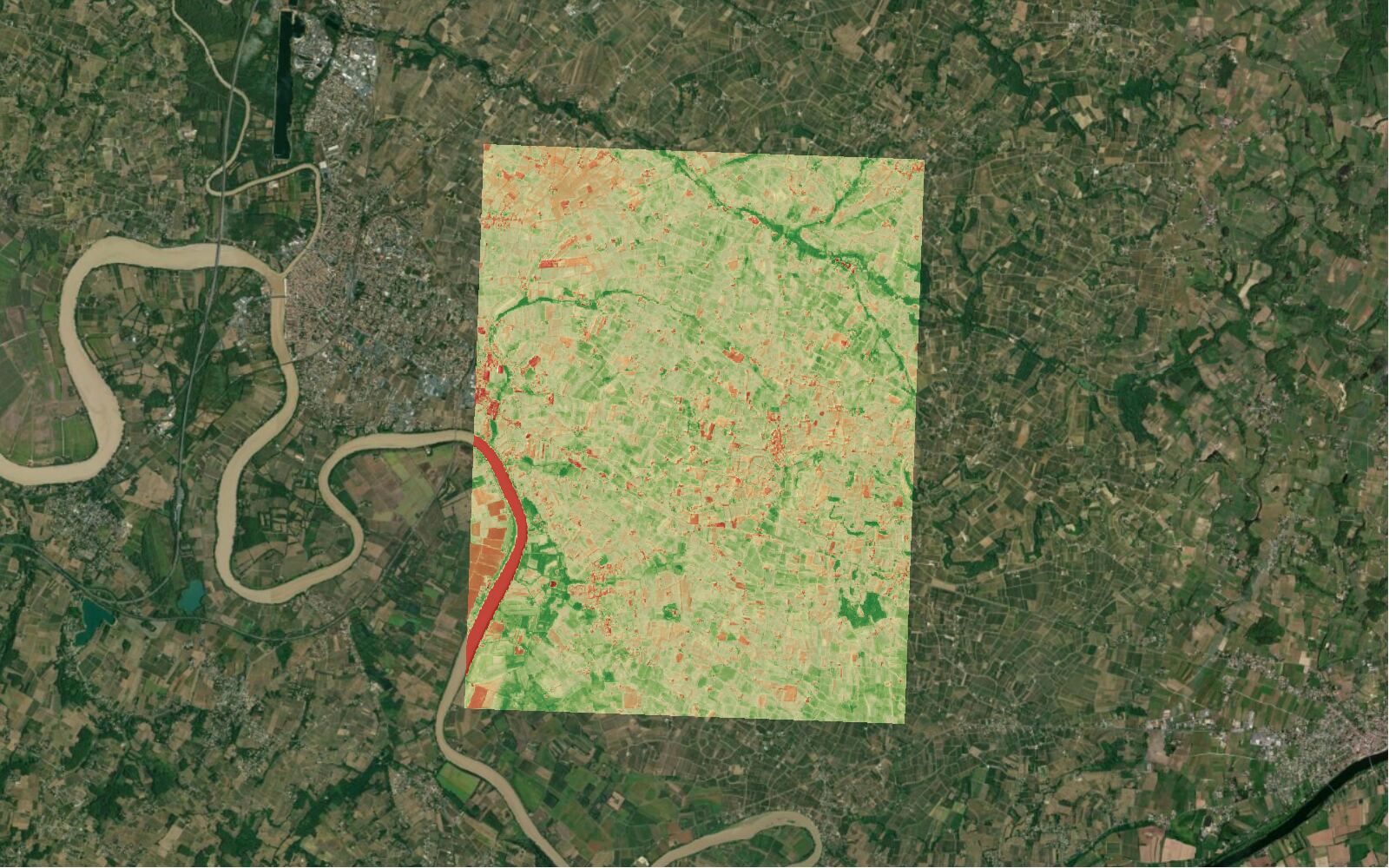
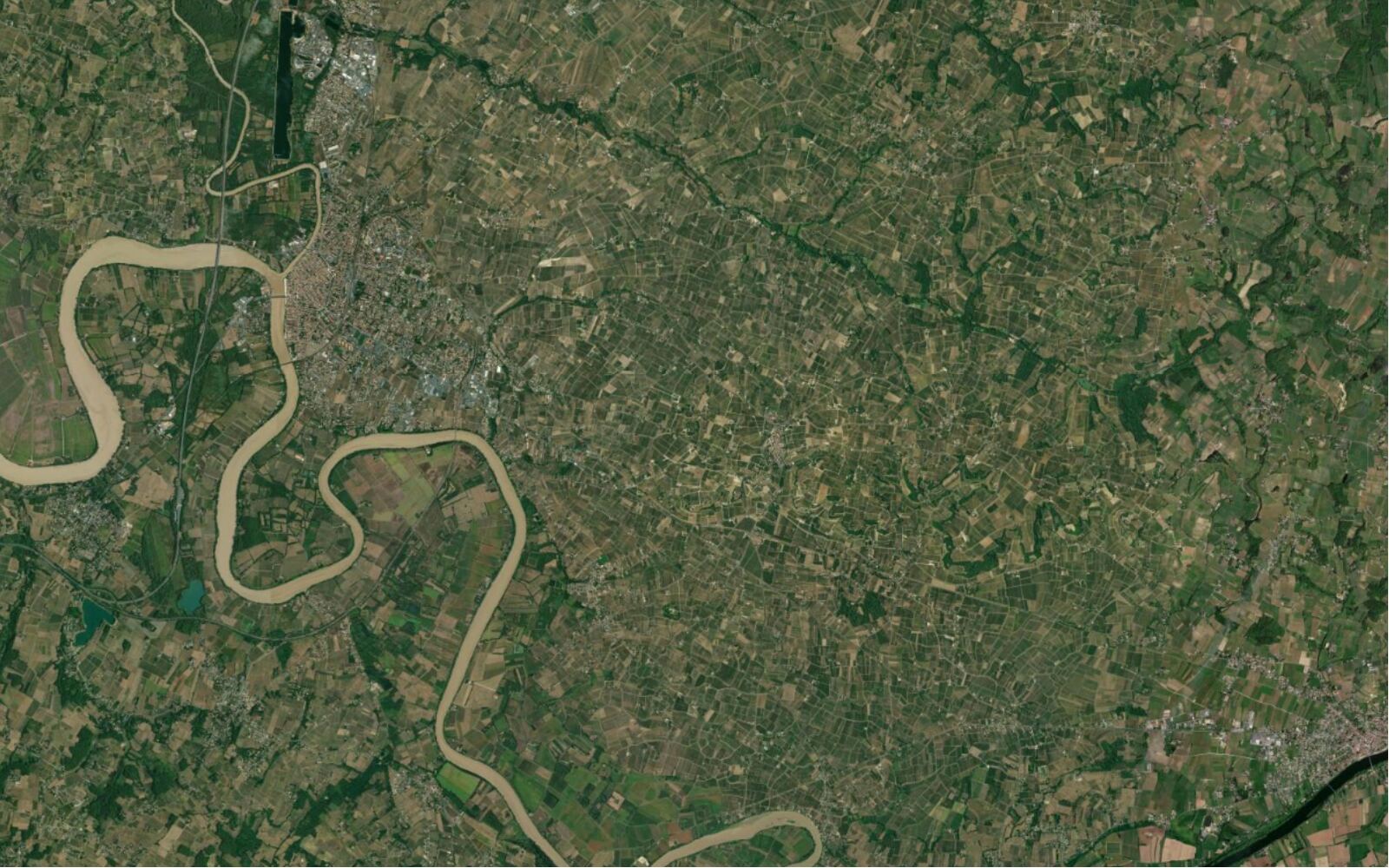
Show the vegetation health (NDVI) of the vineyards around Saint-Émilion, France, from the most recent cloud-free Sentinel-2 image.
The 14 September 2026 image picked (0.25% cloud), NDVI at 10 m.
The message
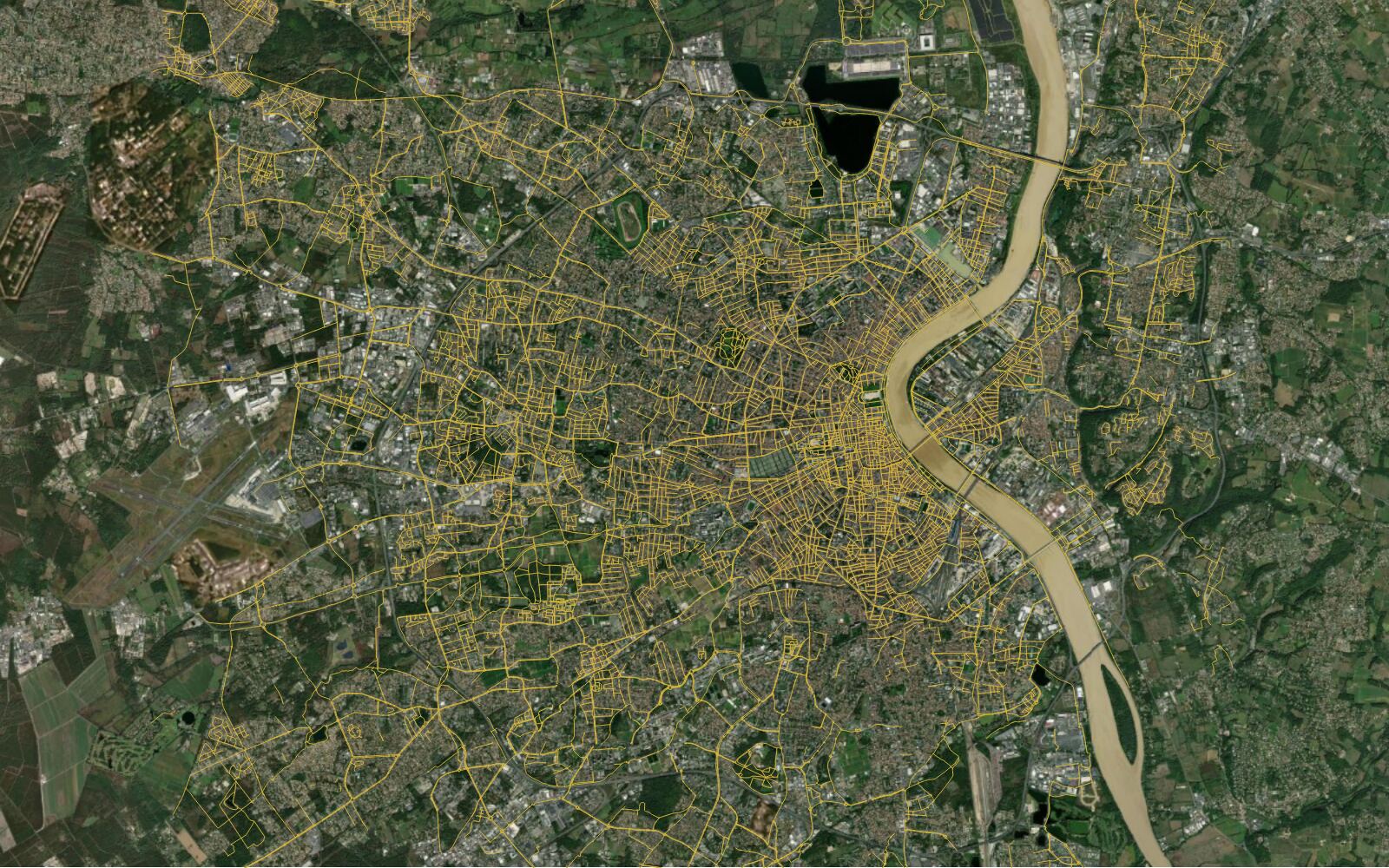
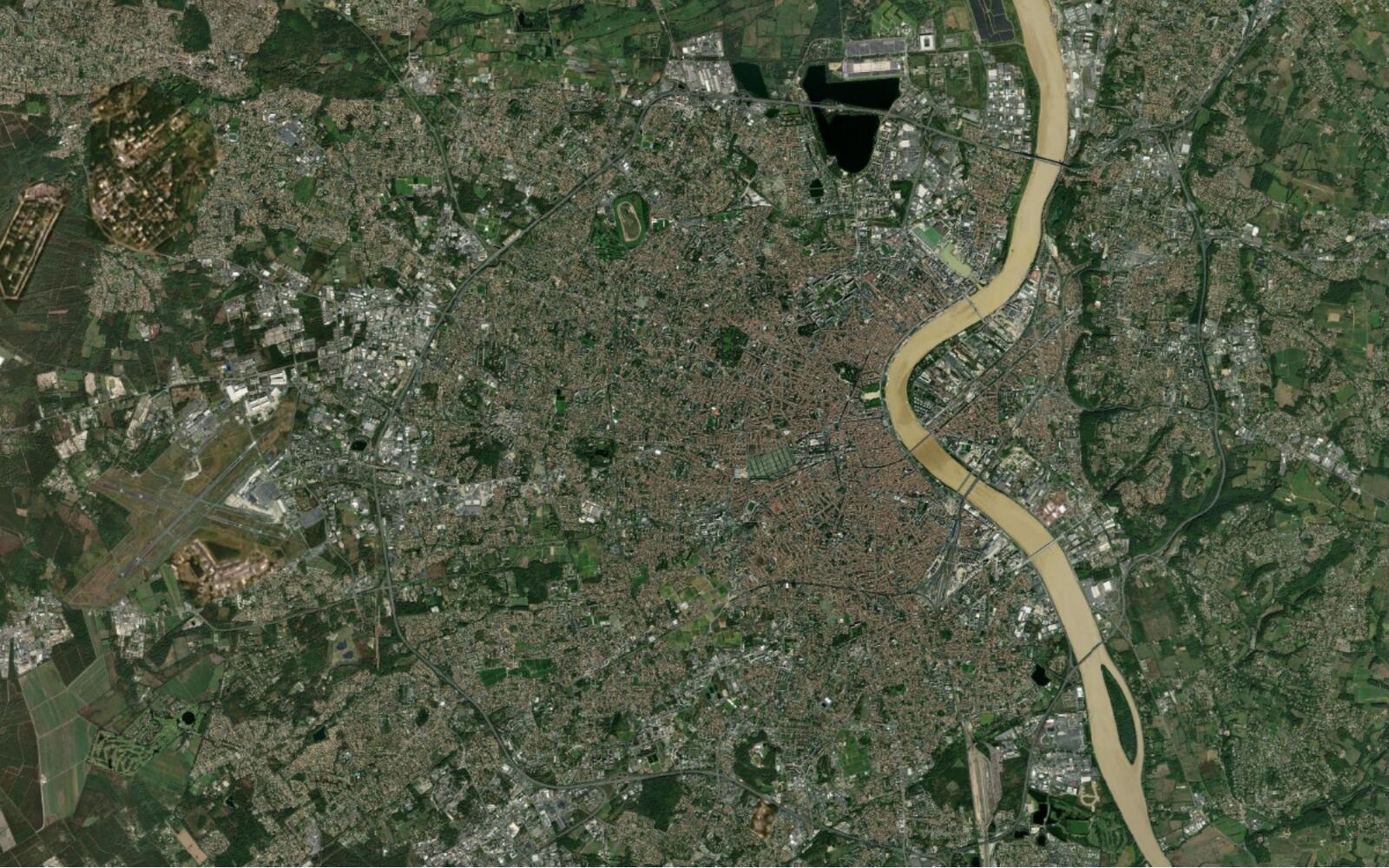
Use a web search to find Bordeaux Métropole's open data portal, then load its cycle paths layer over the current map.
The portal found on the web, 23,609 cycle lanes loaded in the map view.
5 free tasks a month, no card. Pro free for 7 days.
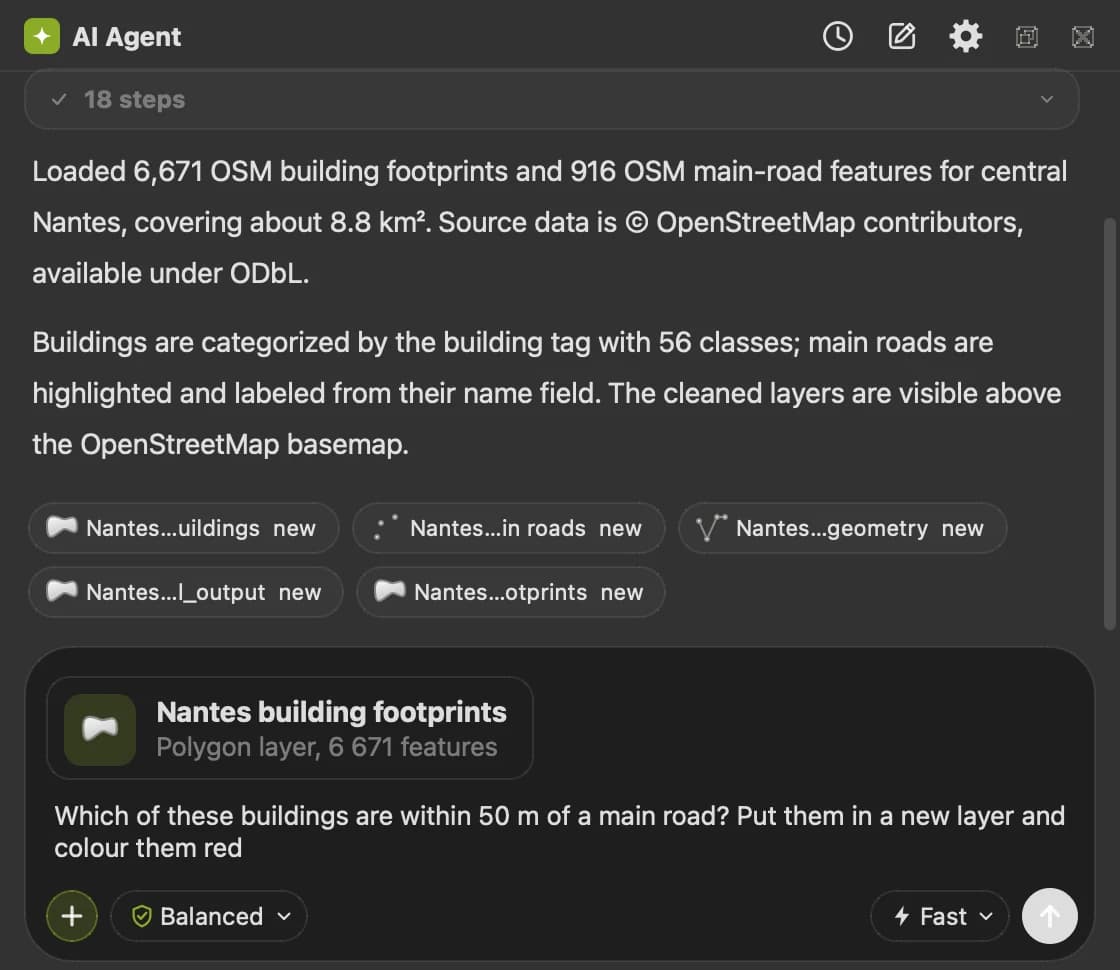
It already sees your layers, fields, CRS and map extent.
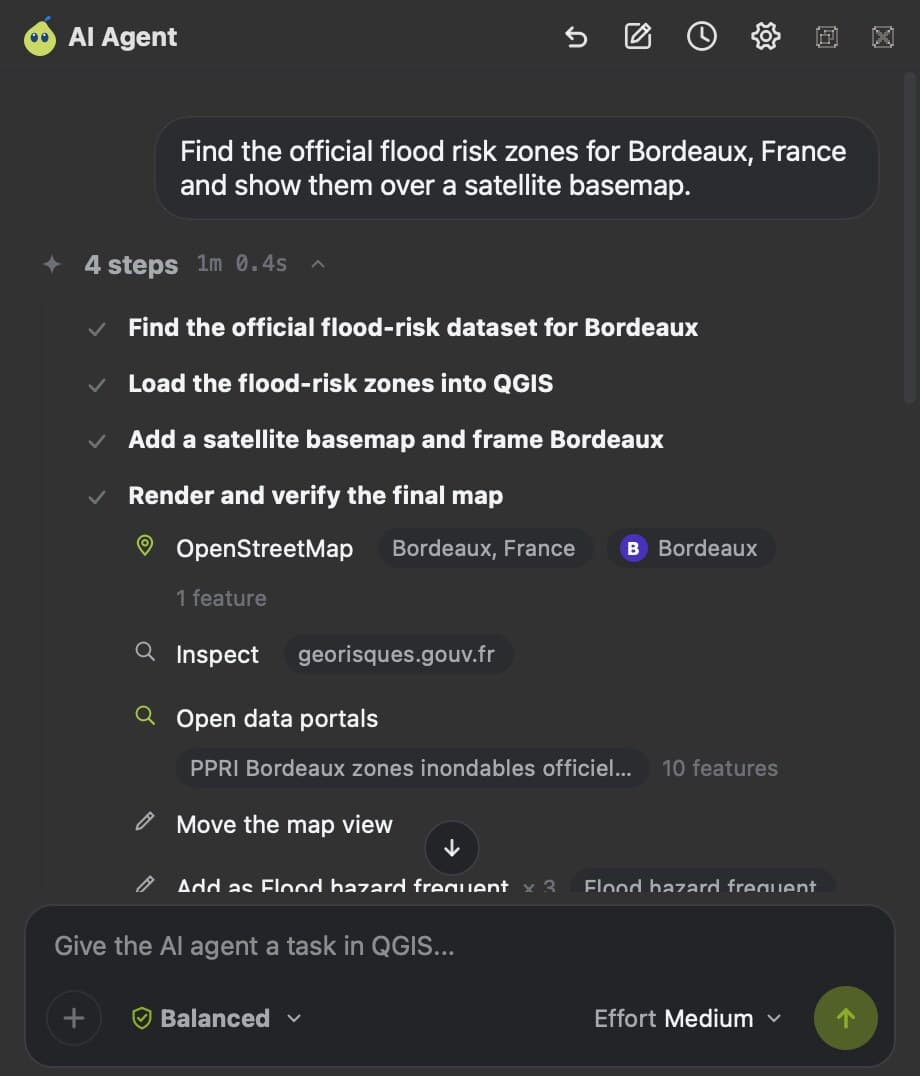
Each step shows as it runs: the data it found, the algorithms, the styles.
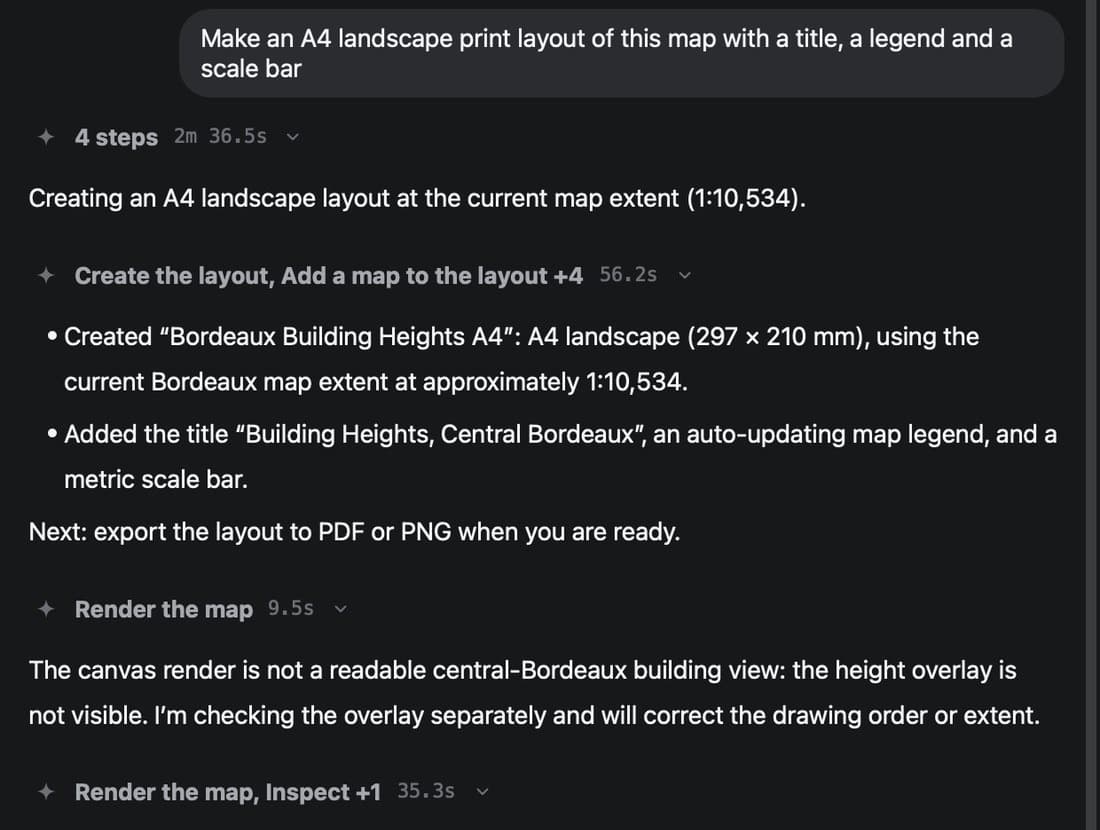
It renders the result, looks at it and fixes what reads wrong before it answers.
Your data in. A complete QGIS workflow out.
By default, deleting or overwriting waits for your confirmation.
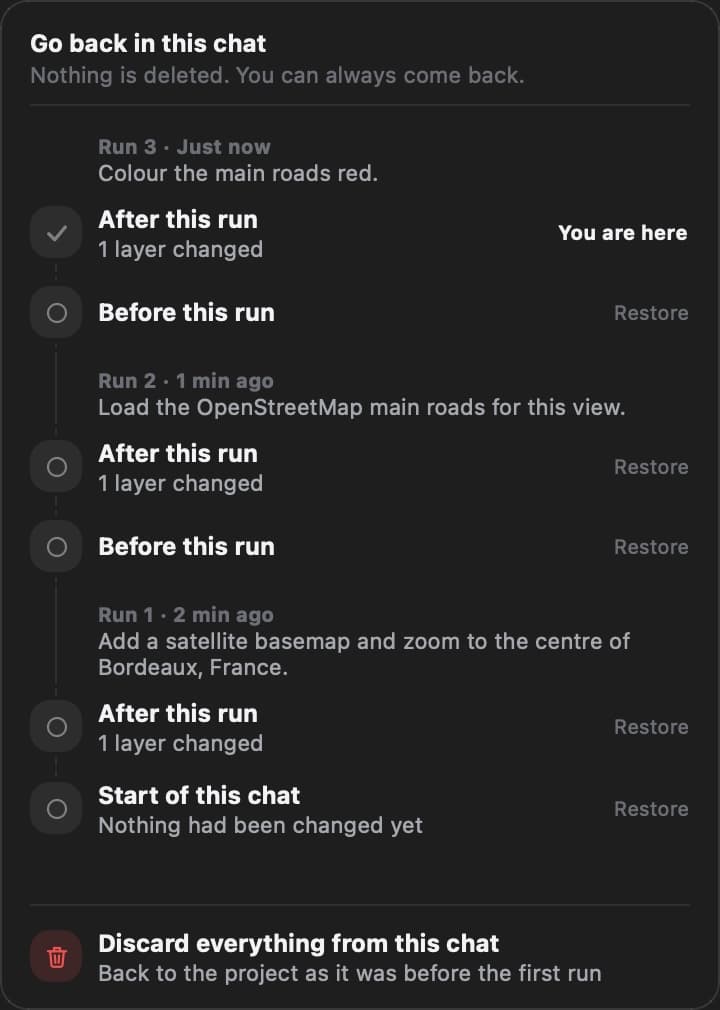
Undo changes and Redo changes under each answer put the map back. Map history lists every version kept.
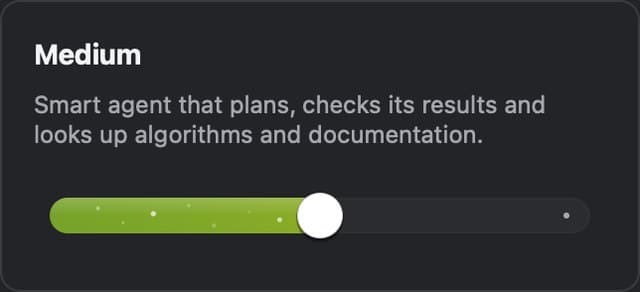
One slider in the composer, right before you send. It sets how many steps and how much time one task can use.
Your prompt and a description of the open project. Never your raster or vector files, never the project file, never whole tables. The service is hosted in the EU.
Built-in data connectors
89 connectors to 2,830 datasets come built into AI Agent. It picks the right source, clips it to your area and credits it.

OpenStreetMap, Overture Maps, open data portals

IGN, Ordnance Survey, swisstopo, PDOK, USGS and more

Sentinel-2, Landsat, NASA Earthdata, Microsoft Planetary Computer

Copernicus DEM, national LiDAR, GEBCO bathymetry

Google AlphaEarth embeddings, ESA WorldCover

CHELSA climate, Eurostat, Our World in Data, GBIF species
Every layer arrives with its licence and its attribution, so the map you export can be published.
Drives AI Edit, AI Segmentation and 39 more QGIS plugins


 AI Agent · Plans
No credit card.
The most powerful AI for your QGIS projects
Excl. VAT. Cancel anytime.
Free for 7 days, then €49/month. Cancel in one click.
Company paying by invoice? Get 7 free daysMore volume, or a custom request
Price on request
More volume
Or a custom request, for example:
Prices excl. VAT. Tax is calculated at checkout.
Best valueEvery QGIS plugin, one subscription
AI Agent · The strongest AI for your GIS projects

AI Segmentation · Turn aerial imagery into polygons

AI Edit · Simulate a project on real imagery
| What you get | Free | Pro |
|---|---|---|
| Tasks a month | 5 | 300 |
| Steps per task | 150 | 200, and 300 on High once your trial ends |
| Effort levels | Low | Low, Medium, High (High once your trial ends) |
| Permission levels | Ask first, Balanced | Ask first, Balanced, Autopilot |
| Open data and QGIS plugins | All of it | All of it |
| Memory and custom instructions | Not included | Included |
| Conversation kept | 90 days | 30 days, or none |
| Commercial use | Not included | Included |
QGISQGIS runs on a computer (Windows, macOS or Linux). Open this page there to install it.
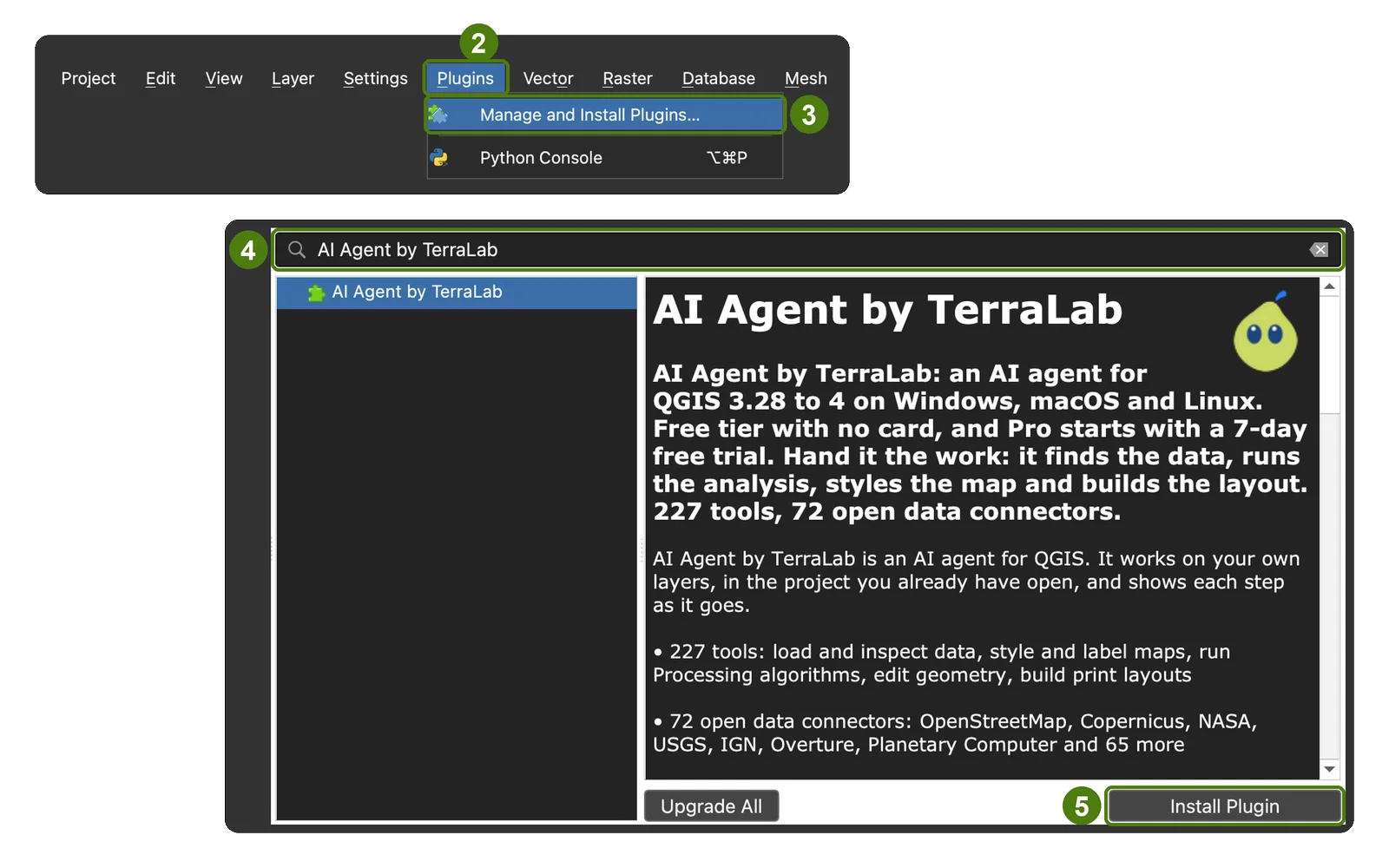
5 free tasks a month, no card. Pro free for 7 days.