Convert KML to DWG
Your Google Earth placemarks, paths and polygons as an AutoCAD DWG in metres, with a DXF copy.
- Add your file
- Convert on TerraLab servers
- Download the converted file
Deleted within an hourFiles up to 2 GB


AI Agent for QGIS
Skip the converter next time: ask AI Agent in QGIS to convert, reproject and load your files, whatever their size.
Free plan, no credit card.
Frequently asked questions
Will it open in AutoCAD?
Yes. The DWG is checked after it is written, and a DXF of the same drawing comes with it for any program that does not read DWG.
Which coordinate system is the drawing in?
The UTM zone of the data's centre, in metres, so distances and areas measure true in CAD. The result names the zone (for example EPSG:32631).
Is my file uploaded?
Yes, this format needs the server: the file is sent to TerraLab only after you click the button, converted with GDAL, and deleted within an hour. A share link, if you make one, keeps the result 7 days.
Is there a DXF version that stays in my browser?
Yes. The KML to DXF converter runs entirely in your browser and never uploads anything.
About this tool
Your Google Earth placemarks, paths and polygons as an AutoCAD DWG in metres, with a DXF copy. Free, deleted from our server within an hour.
How the conversion works
- Choose the .kml file and click Convert on TerraLab servers.
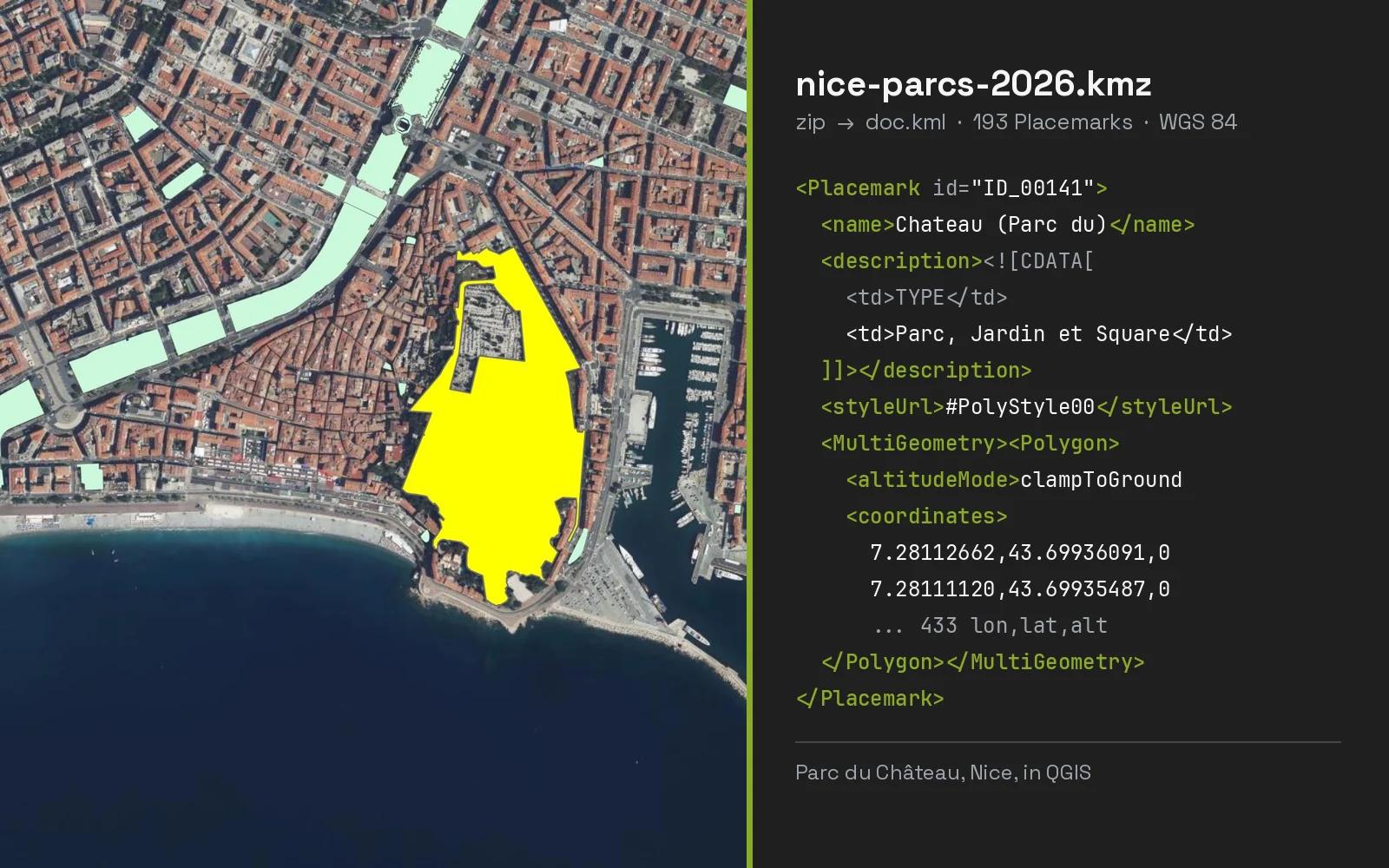
- GDAL reads the KML, reprojects it from longitude and latitude to the UTM zone of its centre, writes a DXF, and LibreDWG turns it into a DWG (AutoCAD 2000 format).
- Download the .dwg, or the .dxf if your software prefers it, and open it in AutoCAD.
What a KML becomes in DWG
A CAD drawing works in metres on a flat plane, so the KML is projected first.
| In the KML | In the DWG |
|---|---|
| Longitude, latitude | UTM metres, in the zone of the data's centre; the zone is shown after the conversion. |
| Paths | Polylines. |
| Polygons | Closed polylines. |
| Placemarks | Points. |
| Folders | Merged into one drawing; their names stay in the attributes. |
What it does not do
- Styles, icons and photos from the KML are not carried over.
- The DWG is AutoCAD 2000 format, which every current CAD program opens.
- If LibreDWG cannot write a valid DWG for a file, you get the DXF instead, and a notice says so.
- Files up to 2 GB.