
Convert KML to Excel
A real .xlsx with one row per placemark and the coordinates as numbers.
Nothing is uploaded
 QGIS plugin
AI Agent for QGIS
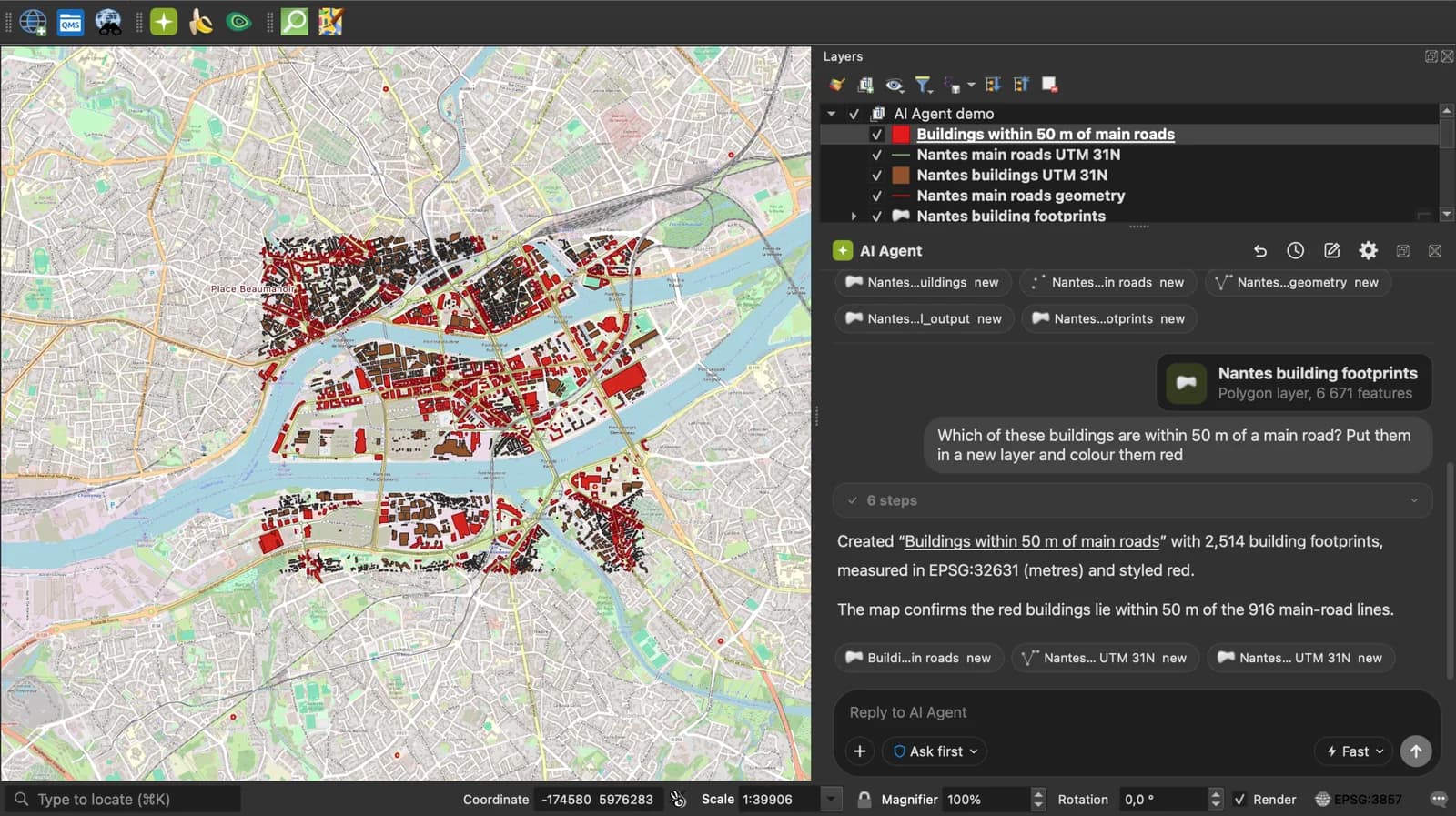
Skip the converter next time: ask AI Agent in QGIS to convert, reproject and load your files.
 AI Segmentation
 AI Edit
Guide
How it works, formats and limits.
About this tool
A real .xlsx with one row per placemark and the coordinates as numbers. Free, and the file never leaves your browser.
How the conversion works
- Choose a .kml file, drop it on the page, or paste the KML text. Google My Maps and Google Earth exports both work.
- Each Placemark becomes a row. A Point fills the longitude and latitude columns; a line or a polygon goes into a wkt column. Names, descriptions, folders and every ExtendedData field get their own column.
- Download the .xlsx and open it in Excel, Google Sheets, Numbers or LibreOffice. The header row is bold and frozen.
What the sheet contains
One sheet, one header row, one row per placemark. Columns that nothing filled are left out.
| Column | What it holds |
|---|---|
| name | The placemark or feature name. |
| description | The description, HTML tags included, in one cell. |
| longitude, latitude | Decimal degrees, WGS 84, stored as numbers, for a point. |
| altitude | Metres, when the source has a third coordinate. |
| geometry_type | Point, LineString, Polygon or a Multi type. |
| wkt | Well-known text for anything that is not a single point. |
| One column per attribute | Named after the field. Plain numbers are stored as numbers; codes with a leading zero stay text. |
What it does not do
- Styles, icons and colours are not carried over: a sheet has no place for them.
- A KMZ is a zip. Use the KMZ to Excel converter for it.
- Lines and polygons come out as WKT text in one cell, not as one row per vertex.
- Files up to 50 MB. Excel itself stops at 1,048,576 rows.
Frequently asked questions
Short answers to what people ask most.
Does my file get uploaded?
No. The conversion runs in your browser tab. Nothing is sent, and closing the tab clears it.
How do I open a KML in Excel?
Excel cannot read KML directly. Convert it here, then open the .xlsx: each placemark is a row and each attribute a column, ready to sort and filter.
How do I get coordinates from Google Earth into Excel?
In Google Earth, right-click the folder or placemark, Save Place As, KML. Drop that file here and download the .xlsx: the latitude and longitude columns hold the coordinates in decimal degrees.
Are the coordinates numbers or text?
Numbers, so Excel can sort, filter and compute with them. Codes with a leading zero, such as postcodes, stay text so the zero is kept.
Can I go back from Excel to KML?
Yes, with the Excel to KML converter: it reads the latitude and longitude columns by their names and writes one placemark per row.