
Convert GeoJSON to KMZ
Your GeoJSON as a compact Google Earth file.
Nothing is uploaded
 QGIS plugin
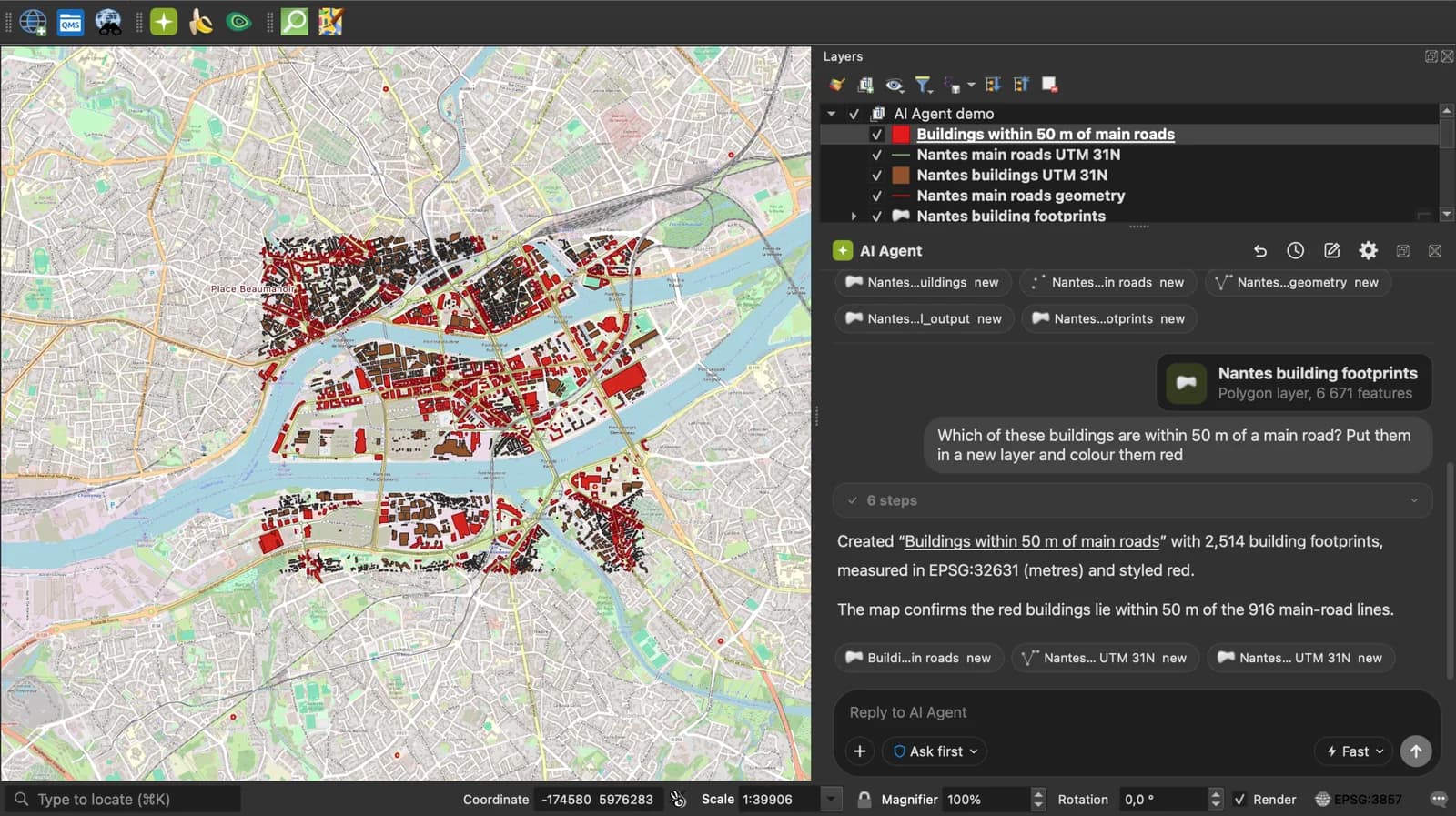
AI Agent for QGIS
Skip the converter next time: ask AI Agent in QGIS to convert, reproject and load your files.
Get the free QGIS pluginFree plan, no credit card.
 AI Segmentation
 AI Edit
Guide
How it works, formats and limits.
About this tool
Your GeoJSON as a compact Google Earth file. Free, and the file never leaves your browser.
How the conversion works
- Choose a .geojson or .json file, drop it on the page, or paste the GeoJSON text.
- Each Feature becomes a Placemark with the same geometry. A name property becomes the placemark name, the other properties become ExtendedData. The KML is zipped as doc.kml.
- Download the .kmz and open it in Google Earth, or import it in Google My Maps.
How each part is mapped
GeoJSON in WGS 84, which is what RFC 7946 requires and what KML expects.
| GeoJSON | KMZ |
|---|---|
| Point, LineString, Polygon | A Placemark with the same geometry. |
| MultiPoint, MultiLineString, MultiPolygon | A Placemark with a MultiGeometry. |
| name property | The placemark name. |
| description property | The placemark description. |
| Other properties | ExtendedData fields, shown in the Google Earth balloon. |
What it does not do
- No styles: simplestyle properties such as marker-color are kept as data, not applied.
- A GeoJSON that declares another coordinate system than WGS 84 is refused with a message.
- Files up to 50 MB.
Frequently asked questions
Short answers to what people ask most.
Does my file get uploaded?
No. The conversion runs in your browser tab. Nothing is sent, and closing the tab clears it.
KMZ or KML, which one should I pick?
Same content. A KMZ is the KML zipped, so it is smaller to send. Google Earth and My Maps read both.
Are my properties kept?
Yes, every property becomes an ExtendedData field that Google Earth shows in the balloon.
Can I paste GeoJSON from geojson.io?
Yes. Copy the text from the right panel of geojson.io and paste it here.