
Convert KMZ to Excel
From the Google Earth archive to a spreadsheet, no unzipping by hand.
Nothing is uploaded
 QGIS plugin
AI Agent for QGIS
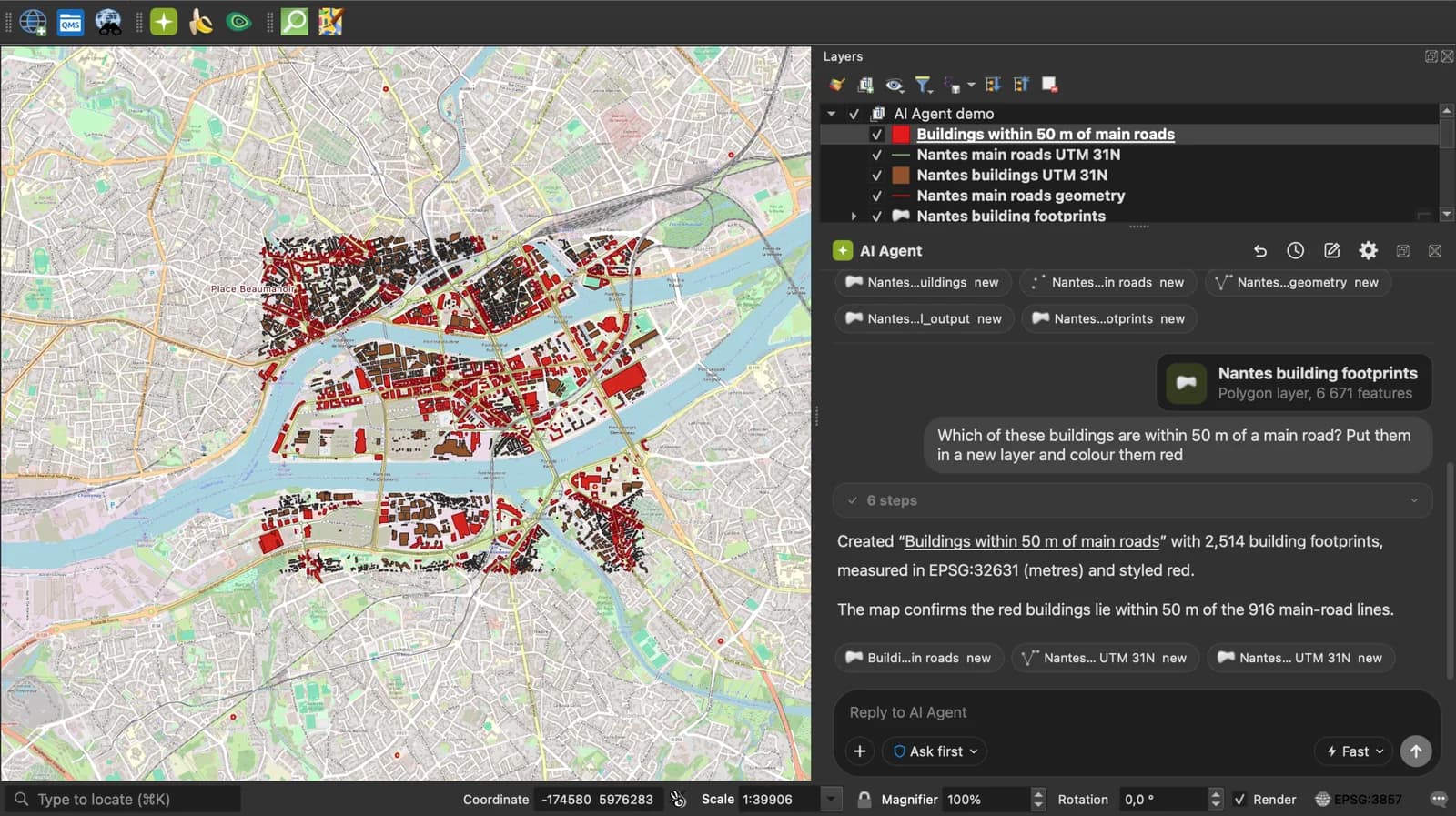
Skip the converter next time: ask AI Agent in QGIS to convert, reproject and load your files.
 AI Segmentation
 AI Edit
Guide
How it works, formats and limits.
About this tool
From the Google Earth archive to a spreadsheet, no unzipping by hand. Free, and the file never leaves your browser.
How the conversion works
- Choose a .kmz file or drop it on the page. Google My Maps exports one by default.
- The page unzips the archive in memory and reads the doc.kml inside. Each Placemark becomes a row: a Point fills longitude and latitude, a line or a polygon goes into a wkt column, every data field gets its own column.
- Download the .xlsx and open it in Excel, Google Sheets, Numbers or LibreOffice.
What the sheet contains
One sheet, one header row, one row per placemark. Columns that nothing filled are left out.
| Column | What it holds |
|---|---|
| name | The placemark or feature name. |
| description | The description, HTML tags included, in one cell. |
| longitude, latitude | Decimal degrees, WGS 84, stored as numbers, for a point. |
| altitude | Metres, when the source has a third coordinate. |
| geometry_type | Point, LineString, Polygon or a Multi type. |
| wkt | Well-known text for anything that is not a single point. |
| One column per attribute | Named after the field. Plain numbers are stored as numbers; codes with a leading zero stay text. |
What it does not do
- Icons, overlay images and styles inside the archive are not carried over.
- Only the main KML of the archive is read: doc.kml at the root, otherwise the first .kml found.
- Lines and polygons come out as WKT text in one cell.
- Files up to 50 MB.
Frequently asked questions
Short answers to what people ask most.
Does my file get uploaded?
No. The conversion runs in your browser tab. Nothing is sent, and closing the tab clears it.
How do I export a Google My Maps map to Excel?
In My Maps, open the three-dot menu next to the map title, Export to KML/KMZ, and download the KMZ. Drop it here and download the .xlsx.
Do I need to unzip the KMZ first?
No. The page unzips it in memory and reads the KML inside.
My map has several layers. Are they all in the sheet?
Yes, every placemark of every folder, one row each. A folder column says which layer each row came from.
Can I convert the sheet back to KMZ?
Yes, with the Excel to KMZ converter, once you have edited the rows.