Figure Ground Map: What It Is and How to Make One
Published
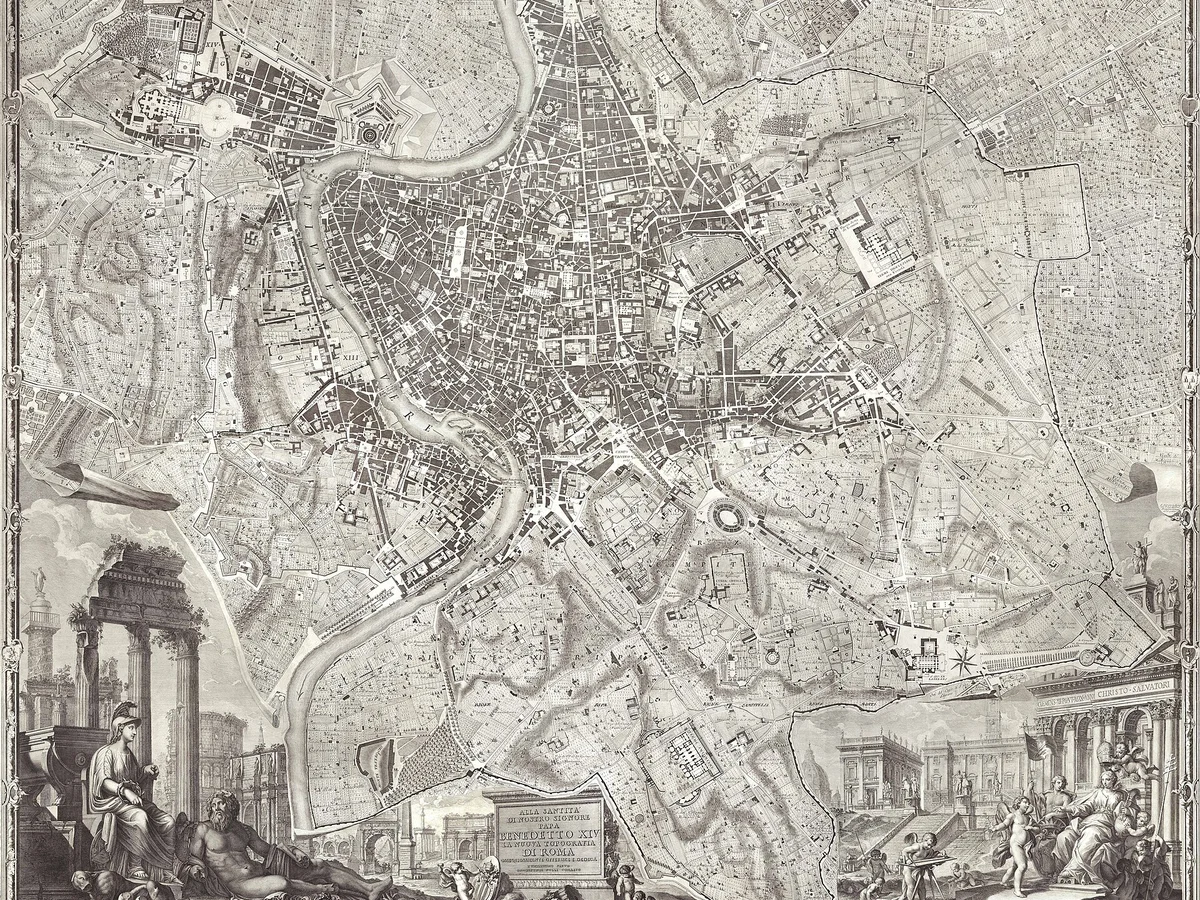
A figure ground map is a two-colour map of a piece of city: the buildings, the figure, in black, and everything that is not a building, the ground, in white. No roads, no labels, no trees. Because it removes everything except the built mass, it shows what other maps hide: the grain of a district, where the blocks are tight and where they fall apart, how a new project would sit among its neighbours. The oldest famous one is Giambattista Nolli's plan of Rome of 1748, which also painted the interiors of churches white, as public space. Urban designers have drawn them ever since, and now they are ten minutes of work in QGIS.
What the map shows
| Pattern in the black | What it means on the ground |
|---|---|
| Continuous black along the streets, white courtyards inside | A traditional perimeter block. Buildings define the street |
| Black objects floating in white | Towers or detached houses in open space. The street is not defined by buildings |
| A dense, fine-grained black | Old centre, narrow plots, small buildings |
| Large black slabs | Industry, retail sheds, hospitals |
| White wedges cutting through the black | Railways, rivers, boulevards, the scars of demolition |
Reading a figure ground is the first thing a designer does with a site, because it answers the question a client asks before any other: does the proposal look like it belongs here.
Method 1: from building footprints, in QGIS
This is the accurate way and the one to use whenever a footprint layer exists for your area, which today is almost everywhere.
Get the footprints
OpenStreetMap buildings, Microsoft or Google Open Buildings, or your national layer (BD TOPO in France, OS OpenMap Local in Britain). The footprint downloader hands you any of the first three as GeoJSON for a box you draw. Load it in QGIS.Style them black
Open the layer's symbology, set Simple Fill, fill colour black, stroke none. A stroke adds a hairline that thickens every building by a pixel at print scale. Nolli used none.Remove everything else
Untick every other layer. Project, Properties, General, set the background colour to white. That is the map.Frame and export
Project, New Print Layout. Add the map, set the scale (1:5,000 shows a district, 1:2,000 a few blocks), set the frame to the extent you want and no more. Export as image or SVG. A figure ground carries no scale bar and no north arrow by convention. If you need them, put them in the caption.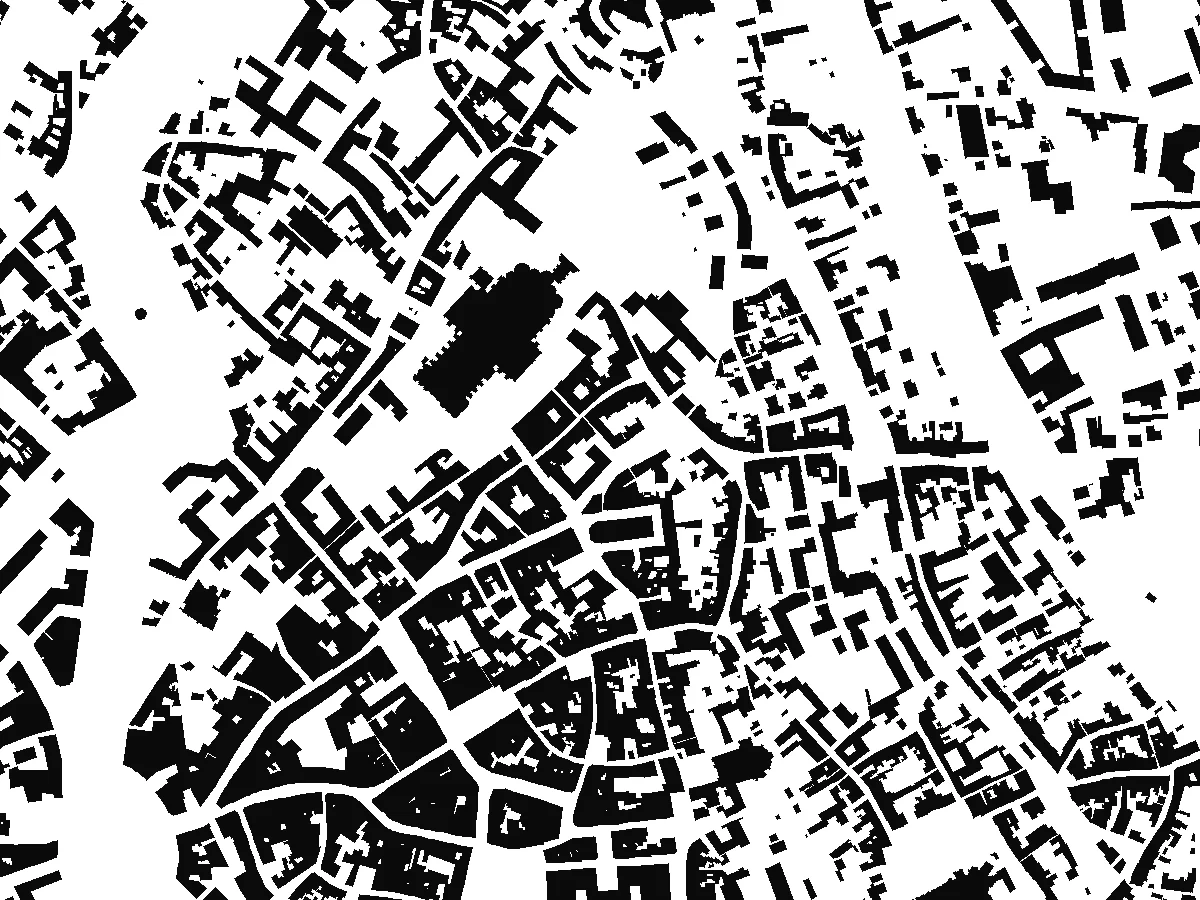
Two variations are worth knowing. Paint the buildings white and the ground black, the inverse, when you want the open space to read as the figure, which is what Nolli did with the public interiors. And add a proposal as a second layer in a mid grey or a colour, so the reader sees what is new against what exists. That second layer is the whole point of the exercise in a design review.
Method 2: from an aerial image, when there are no footprints
Some places still have no usable footprint layer: an informal settlement, a historic site with footprints twenty years out of date, a town where the open data stops at the district boundary. Two routes from the imagery.
Extract the footprints first, then style them. Run a detection model on the orthophoto to get one polygon per building, then you are back at method 1 with real geometry you can edit. This is the route when the map has to be measured from. The building footprint guide walks through it on a dense block.
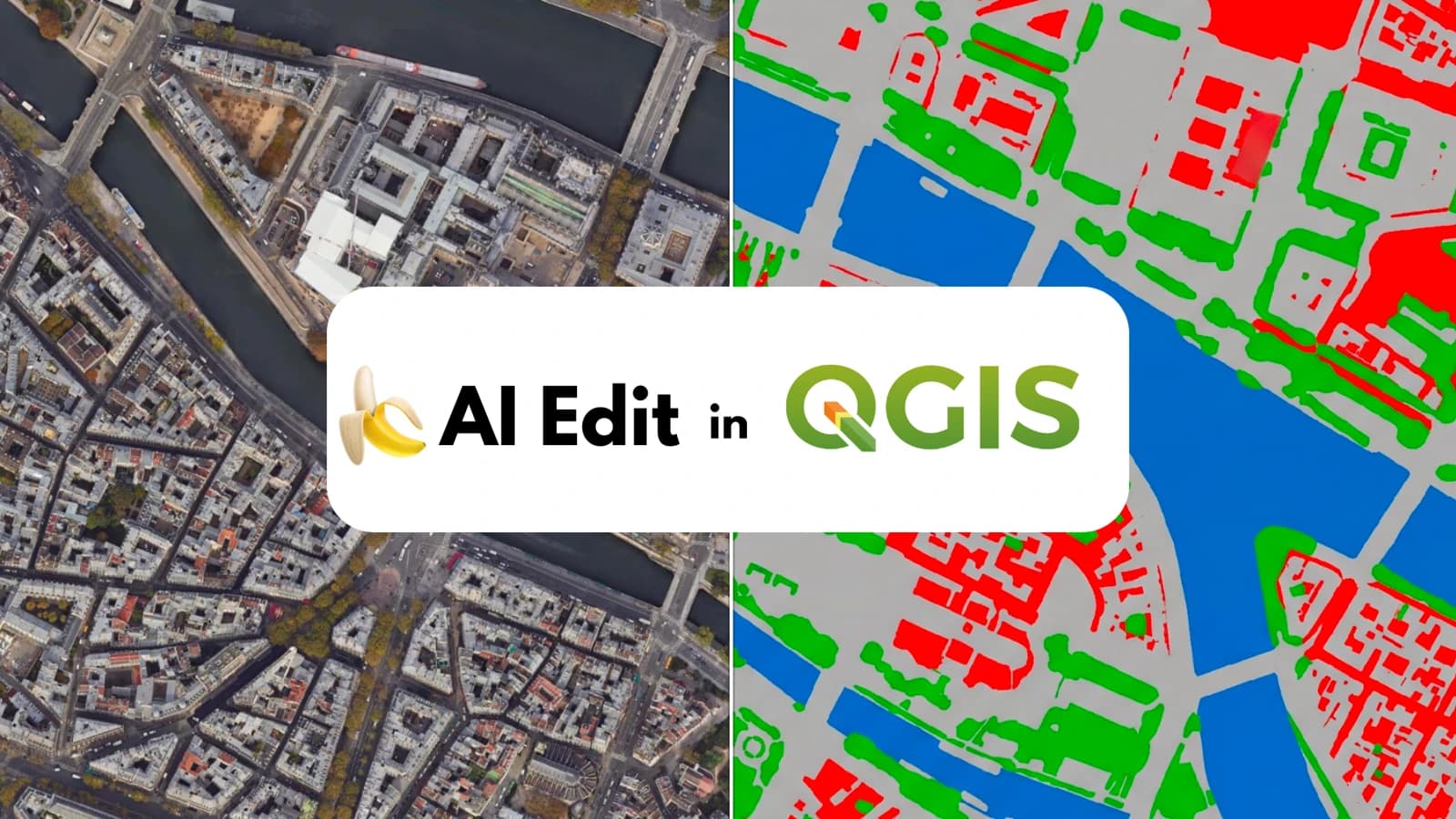
Render the picture directly. AI Edit, the plugin we make at TerraLab for QGIS, redraws the orthophoto as a figure ground image from one prompt. It gives a raster, not polygons, in about half a minute, aligned with the imagery. This is the route for a quick read of a site at the first meeting.
 , redraws the orthophoto as a figure ground image from one prompt. It gives a raster, not polygons, in about half a minute, aligned with the imagery. This is the route for a quick read of a site at the first meeting.
Redraw this aerial view as a figure-ground map: every building footprint filled solid
black, everything else pure white, no roads, no trees, no shadows, no labels. Keep
every building in its exact position and shape. Top-down view, same extent.
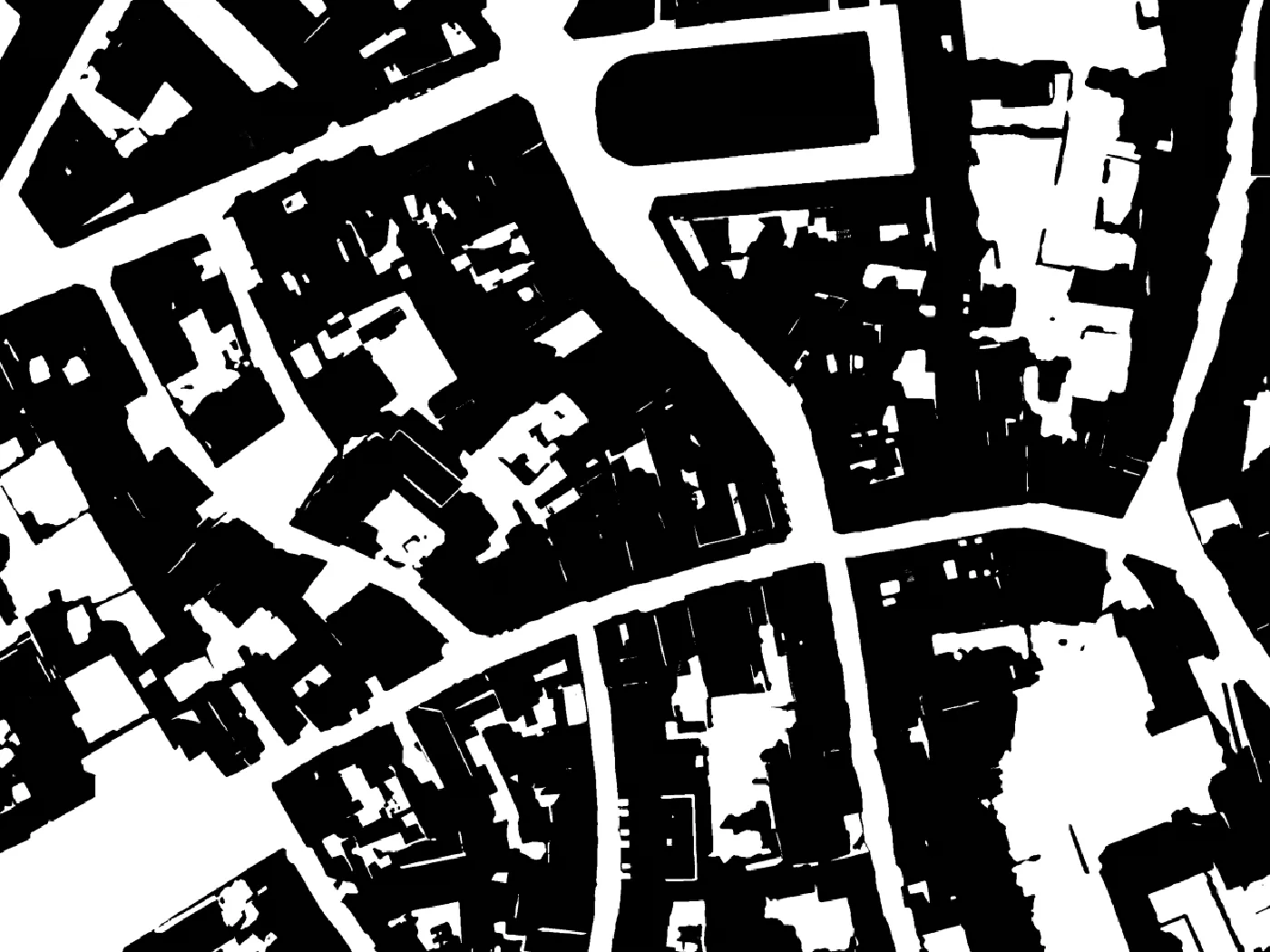
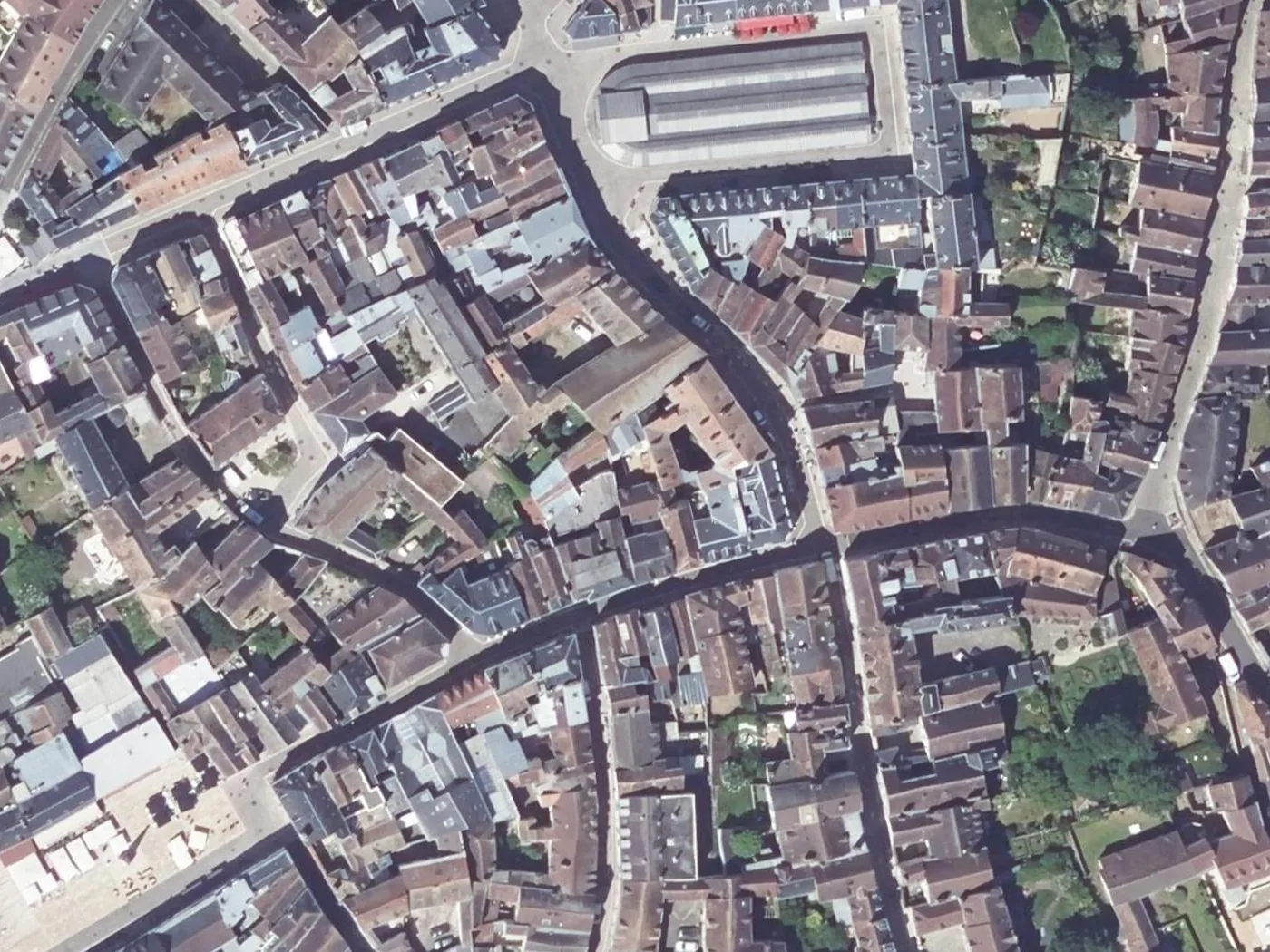
The render will get most buildings right and some wrong: a flat roof the colour of the road, a canopy over a market, two houses under one roofline. Check it against the image before it goes in a document, and if you need the count or the outlines, extract the footprints first.
Questions people ask
What is the difference between a figure ground and a Nolli map?
A Nolli map is a figure ground that also paints publicly accessible interiors, churches and courtyards, as white ground. A plain figure ground paints every building black regardless of what is inside it. Nolli's is the harder map to make, because it needs to know which interiors are public.
What scale should a figure ground be?
1:5,000 for a district, where the grain reads and single buildings are small. 1:2,000 or 1:1,000 for a site and its immediate neighbours, when the proposal has to be seen against the buildings next to it. Above 1:10,000 the map becomes a density map and the grain is lost.
Do I include walls, sheds and garages?
The convention is to include every roofed structure. OpenStreetMap and the national layers include garages and sheds, and Microsoft's model detects most of them. Walls and fences are not buildings and stay white.
Can I make one in Illustrator or Photoshop instead?
Yes, by tracing or by exporting the QGIS map as SVG and recolouring there. The QGIS route keeps the map georeferenced, so a proposal drawn later can be placed exactly. Once it is a Photoshop file, that is gone.
Where does the term come from?
From Gestalt psychology, where figure ground is the perception of an object against its background, the vase and the two faces. Colin Rowe brought it into urban design in the 1970s, using Nolli's plan and figure ground diagrams of modern cities to argue about what the modern city had lost.
The QGIS AI hub collects what AI can and cannot do inside QGIS. The colored site plan post is the next drawing up from this one, with the surfaces coloured in.