Urban Infill: What It Is, and Three Scenarios on One Lot
Published
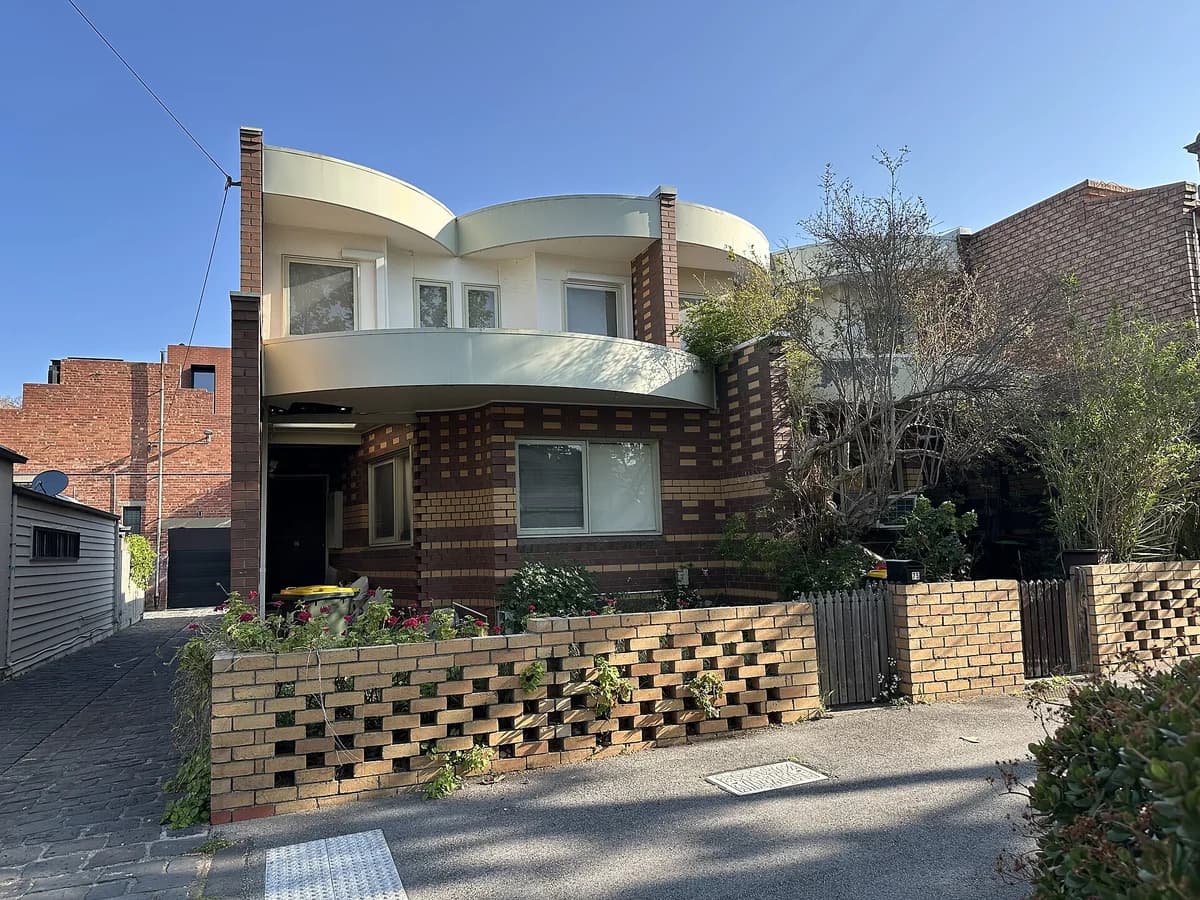
Urban infill is development on land that already sits inside the built-up area: a vacant lot, a surface car park, a disused depot, the back half of a deep garden. The alternative is greenfield expansion at the edge, and the whole argument for infill is that the road, the sewer, the school and the bus stop already exist. An infill project can be one house on one lot or a whole district on a former railway yard. What makes it infill is the location, not the size.
The five kinds of infill lot
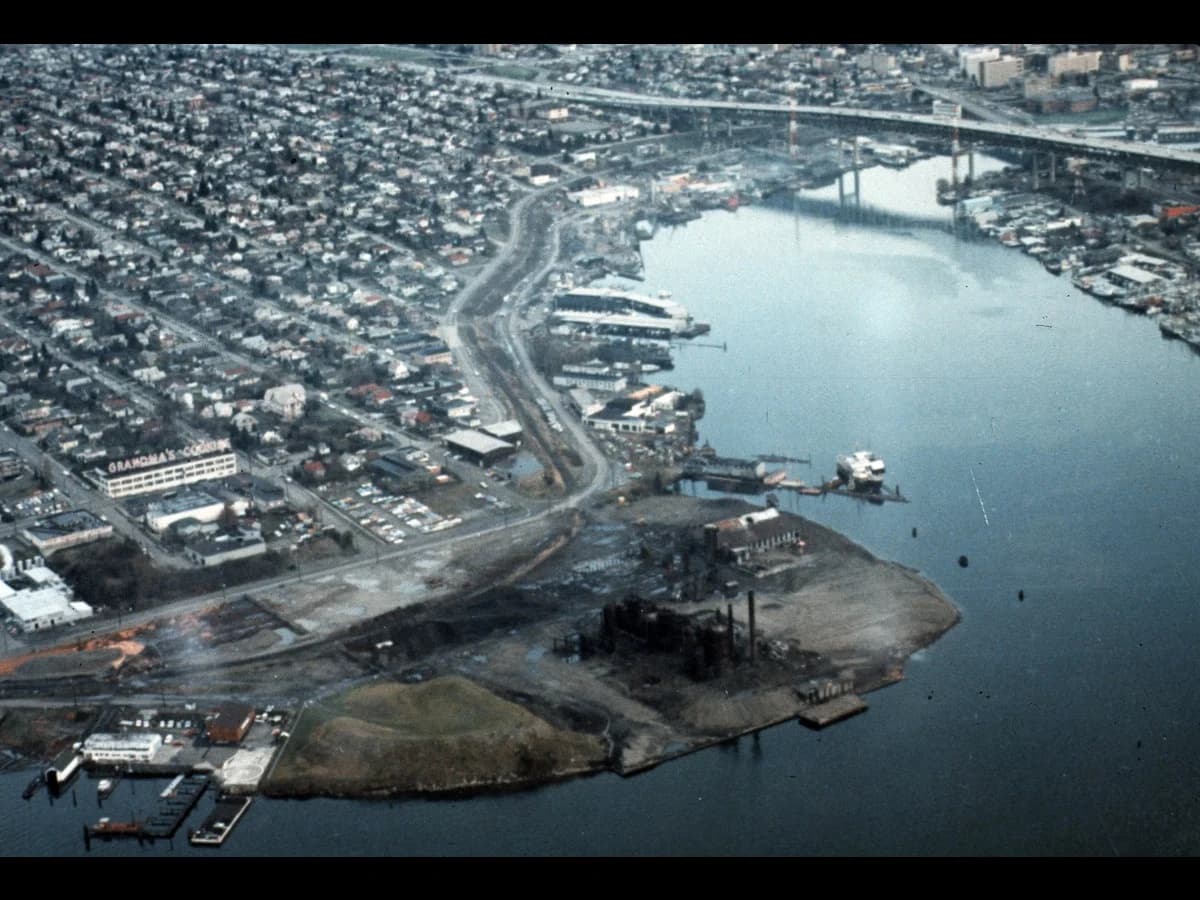
| Kind of lot | What it looks like from the air | What usually goes there |
|---|---|---|
| Vacant lot | A gap in a street frontage, often grass or gravel, sometimes a temporary car park | A building that continues the frontage |
| Surface car park | A rectangle of asphalt with painted bays, next to a shop or an office | A block over a smaller car park, or over none |
| Brownfield parcel | Slabs, sheds, sidings, a fence around nothing | A new district, once the ground is cleaned |
| Backland and garden | The deep rear of a house plot, reachable by a lane | A second house, an accessory dwelling, a mews |
| Teardown | One low building on a lot zoned for more | A taller building on the same footprint |
The greenfield against brownfield page covers the third kind and the registers that list it. The other four are found by looking.
How to find infill lots in QGIS
The method is a subtraction. Take the parcels, remove the ones that have a building on them, and what is left is the candidate list. Four layers, no plugin.
Load the parcels
The cadastre for your area. In France, the Etalab cadastre as GeoJSON by commune. In the United States, the county parcel layer. In Britain, INSPIRE polygons from the Land Registry.Load the building footprints
OpenStreetMap buildings, Microsoft or Google Open Buildings, or your national layer. The footprint downloader gives any of the three for a box you draw.Join buildings to parcels
Vector, Data Management Tools, Join Attributes by Location, with the parcels as the input and the buildings as the join layer, summarising the count and the total footprint area. Every parcel now carries how much of it is built.Filter
Select parcels where the built area is under, say, 10 percent of the parcel area and the parcel is over 200 m². Put the result on the orthophoto and go through it by eye: a churchyard, a school playground and a car park all pass the filter, and only the third is a candidate.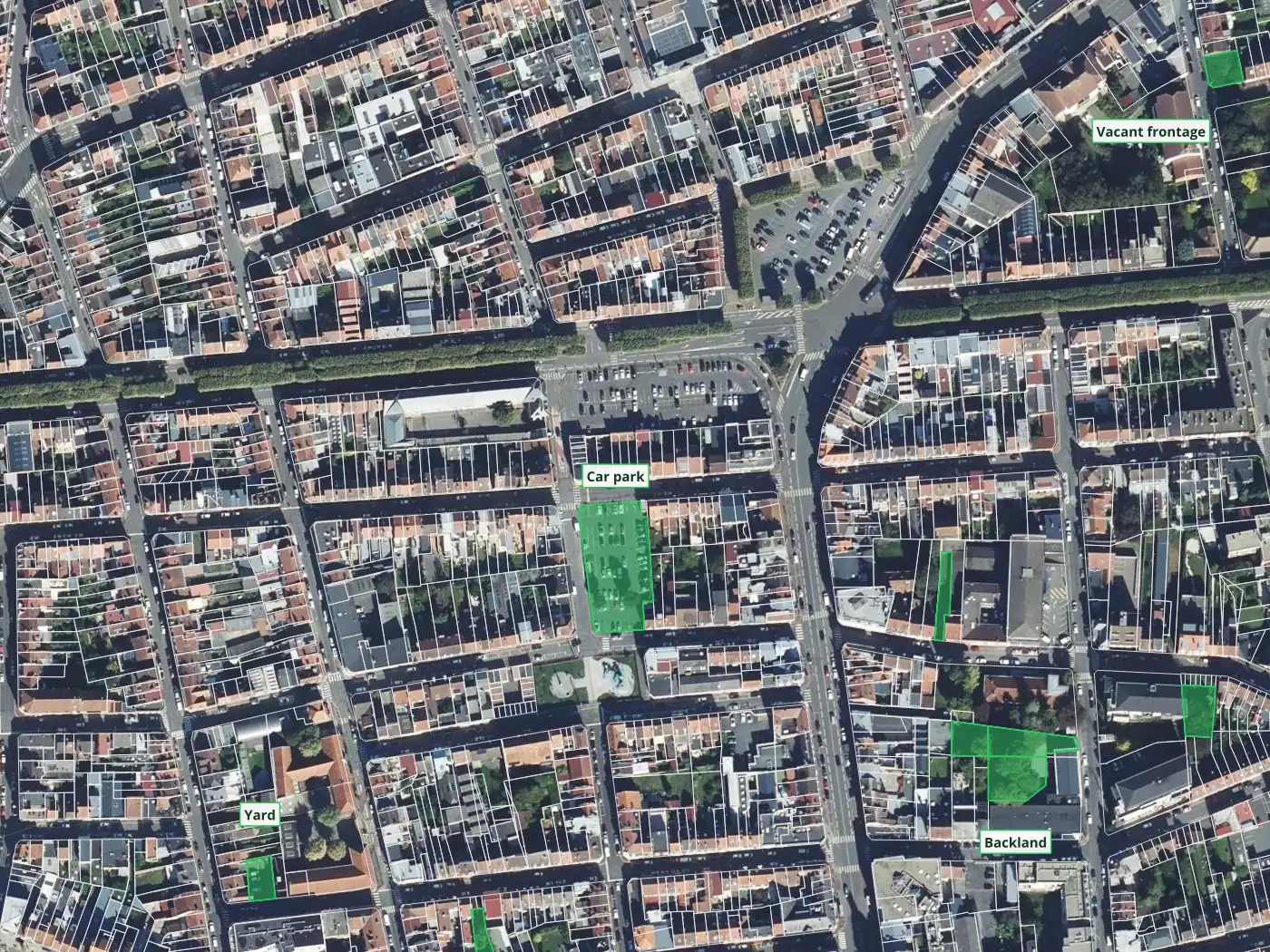
The by-eye pass is the part no filter replaces. Half of the parcels the join flags are open for a reason: a substation, a playground, the yard of a fire station. The other half are the list a planning department pays for.
One lot, three scenarios
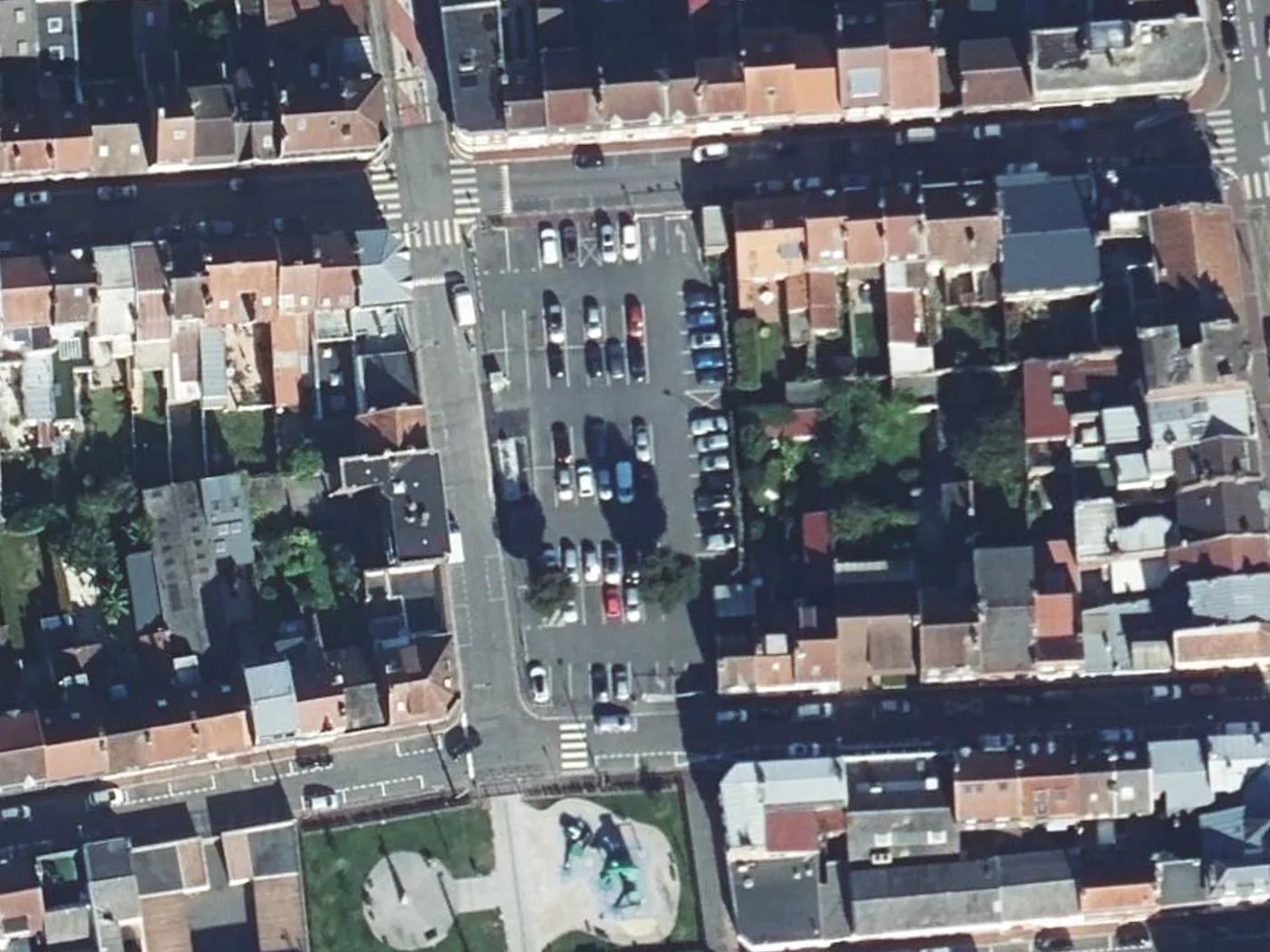
Once a lot is on the list, the next question is what could go there, and the honest answer is several things. I picked one candidate from the map above, the surface car park behind the terraces one street south of Place du Cantin, and rendered it three ways with AI Edit, the plugin we make at TerraLab for QGIS. Each render is a raster layer that AI Edit added to my project over the orthophoto, at the orthophoto's scale, from one prompt. Nothing was retouched.
 . Each render is a raster layer that AI Edit added to my project over the orthophoto, at the orthophoto's scale, from one prompt. Nothing was retouched.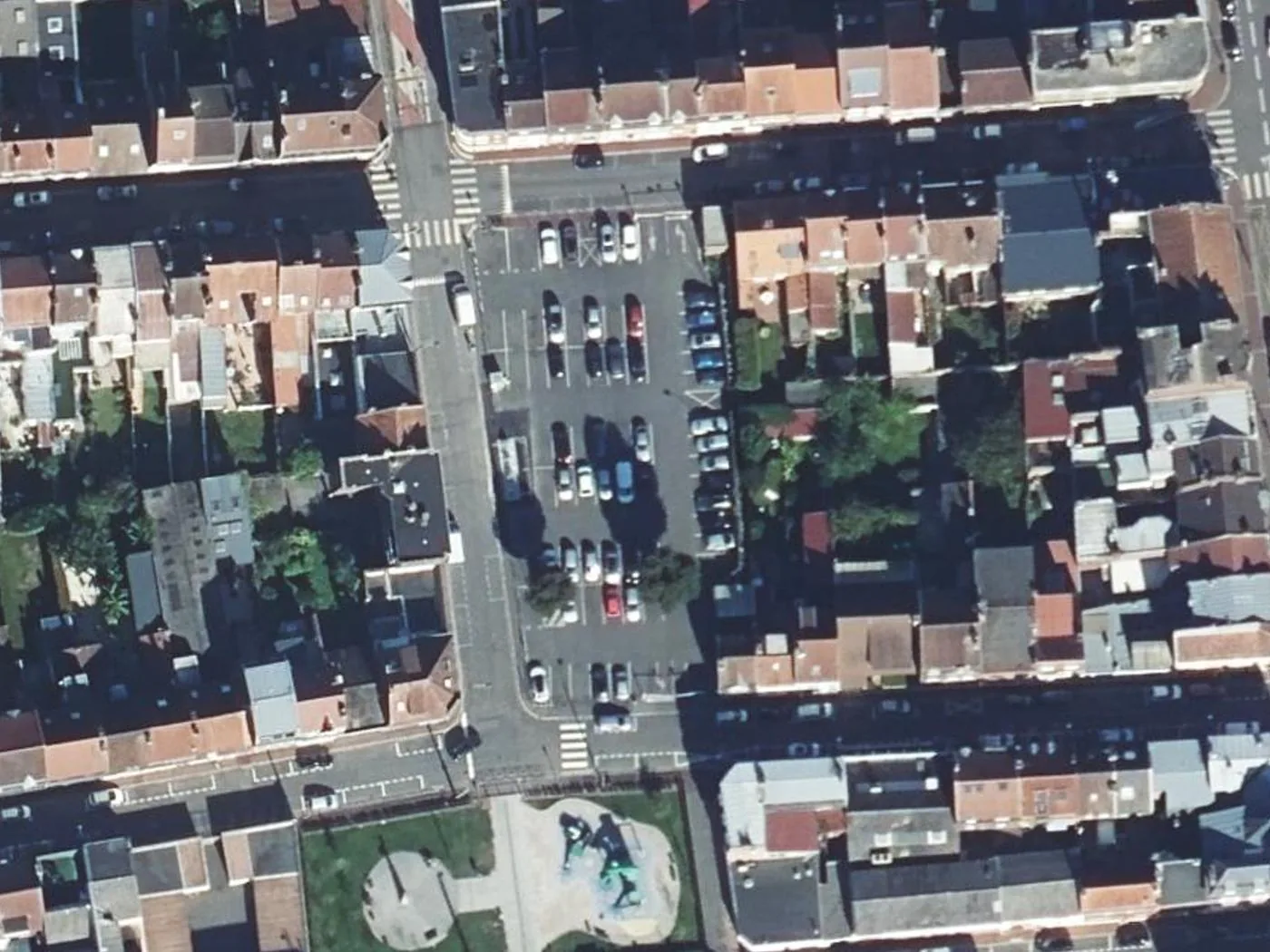
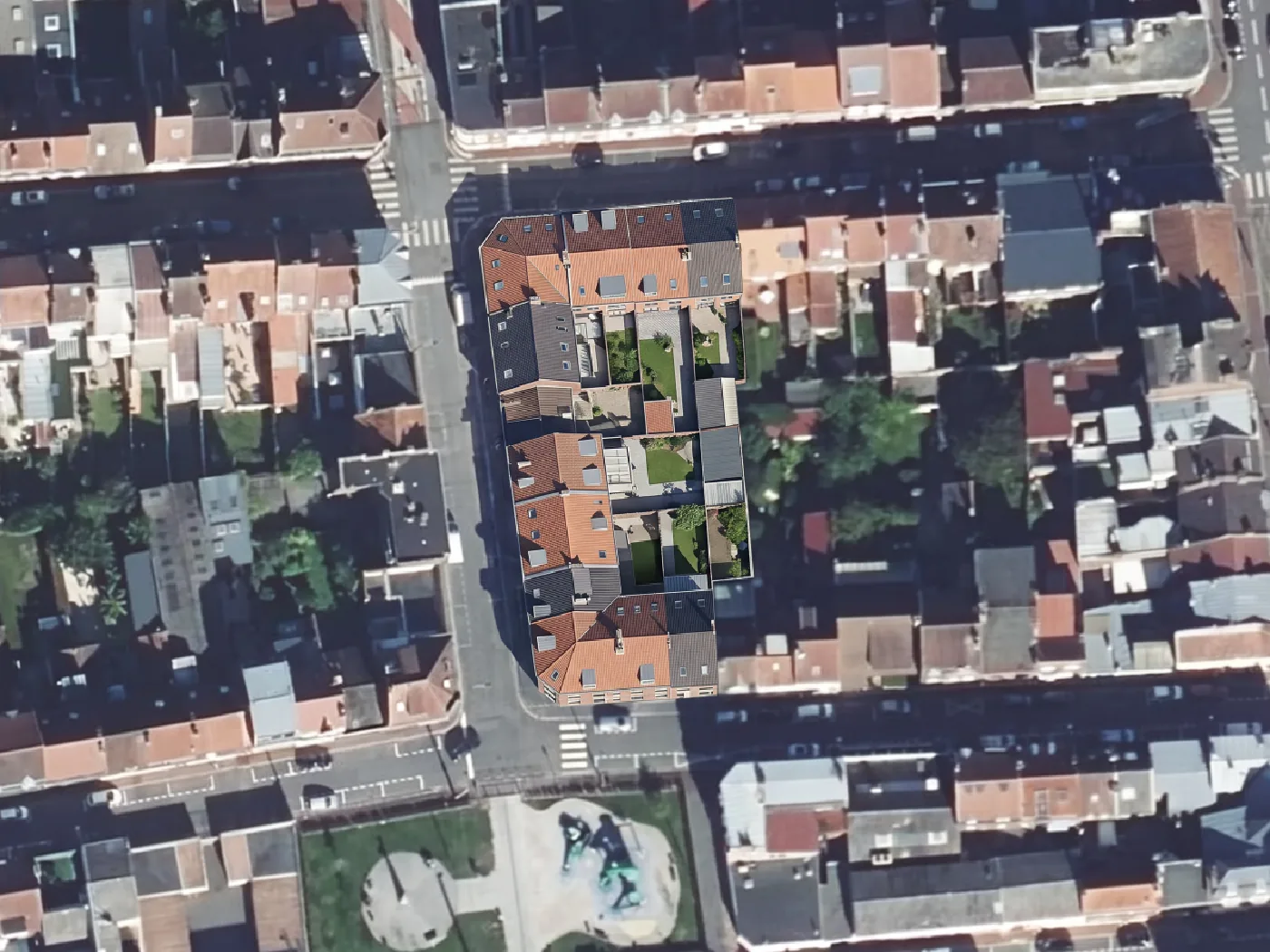
Scenario 1: infill housing at the neighbours' height
The library prompt, unchanged. It is the one called "Add infill housing" in the plugin's Urban section.
Add new residential infill buildings on visible empty parcels, parking lots, and
underused open spaces. Match the height and architectural style of surrounding
buildings. Keep existing buildings, roads, and vegetation intact.
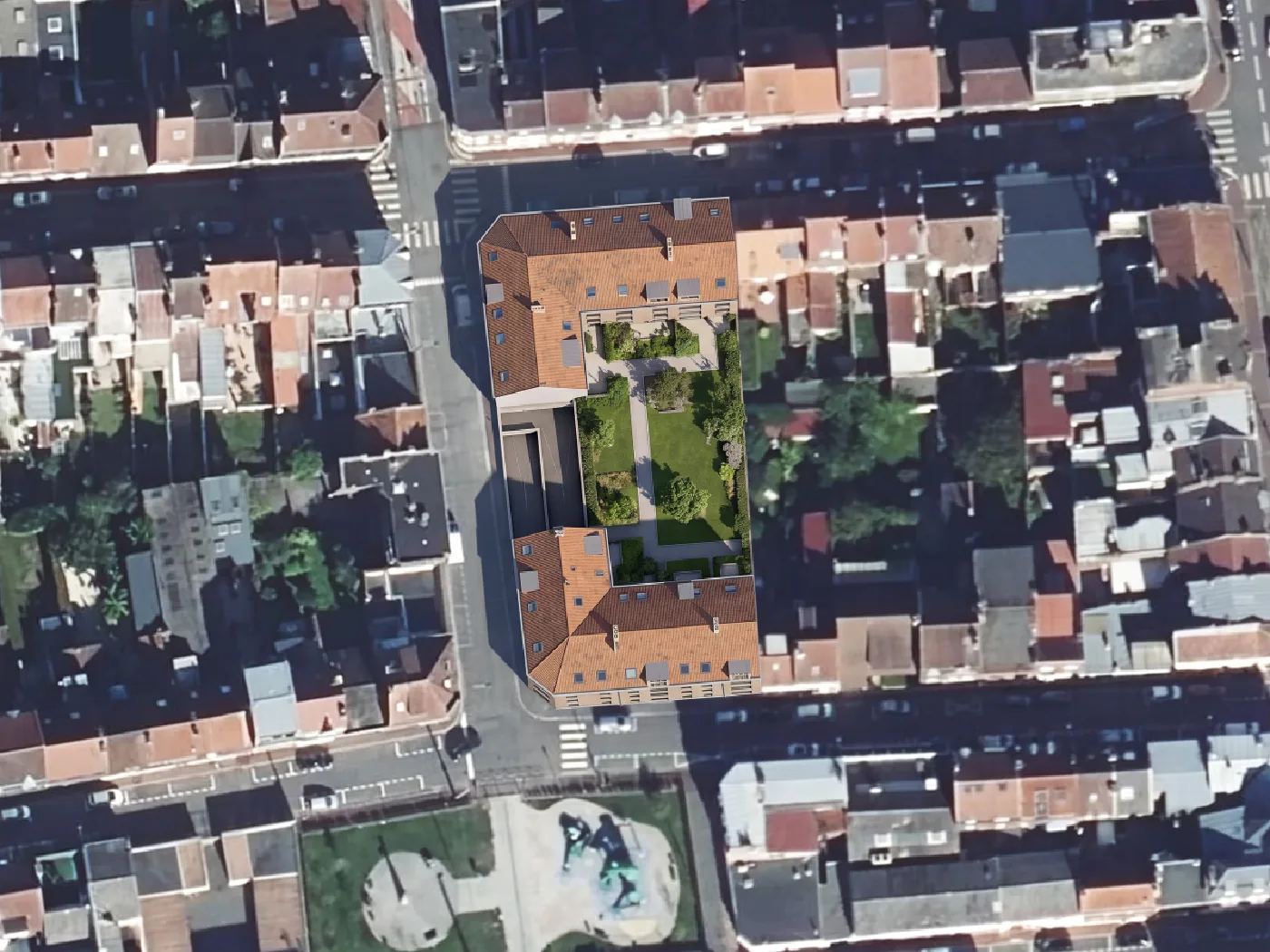
Scenario 2: a courtyard block with the car park underneath
The library prompt with two sentences added, so the render keeps some parking and opens a courtyard.
Replace the surface car park with a four-storey residential block around a planted
courtyard. Keep vehicle access from the lane and show a ramp to parking below the
block. Match the roof colour and window rhythm of the adjoining buildings. Keep all
existing buildings, roads and trees outside the car park intact.
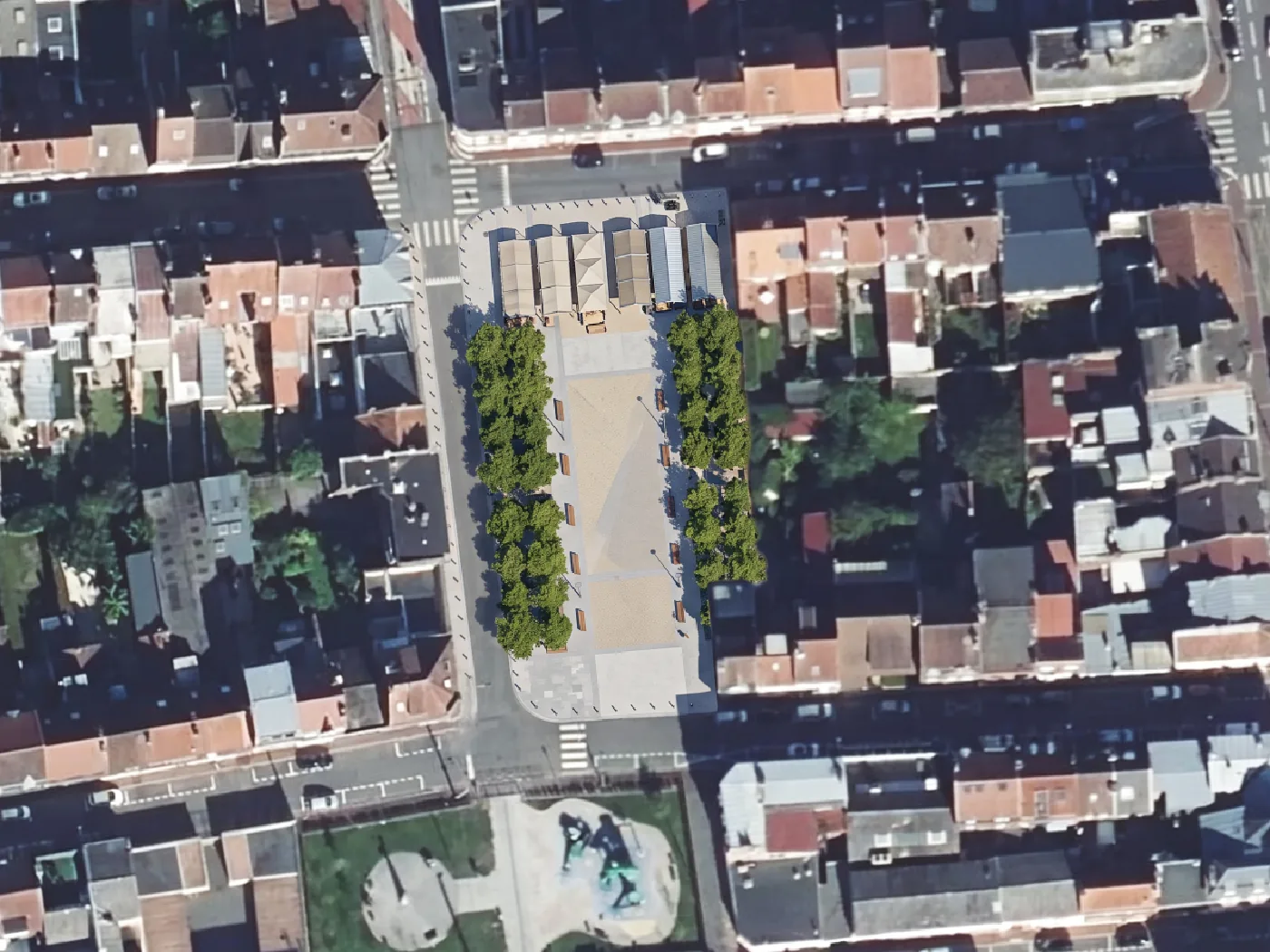
Scenario 3: keep it open, make it a square
The scenario a council often wants to see next to the other two, because the argument at the meeting is never only about housing.
Turn the surface car park into a small public square: paved centre, a double row
of trees along the long sides, benches, and a covered market stall area at the end
nearest the shops. Keep all existing buildings, the lane and the surrounding roads
intact. Top-down view, same extent.
What the three renders are, and are not
They are pictures of a possibility, georeferenced, at the scale of the imagery, made in under 40 seconds each. That is enough to put in front of a landowner, a councillor or a neighbourhood meeting and ask which of the three the room wants to talk about. Every one of them carries an AI-generated tag, and that tag should stay on when the picture leaves QGIS.
They are not a massing study, a plan or a count of homes. The model matched the neighbours' height because the prompt asked it to, not because it measured them. A storey count comes from the DSM against DTM method, and a plan comes from an architect. The line I hold is the one from the colored site plan post: a render goes on the cover, never on the sheet with dimensions.
Questions people ask
What is the difference between infill and redevelopment?
Infill builds on land that is empty or barely used. Redevelopment replaces a building that is in use with a bigger or different one. A car park becoming flats is infill. A supermarket becoming flats is redevelopment. Planning policy often treats them together under densification.
Is urban infill the same as gentle density?
Gentle density is one kind of infill: small additions inside residential areas, a second house on a lot, a duplex where there was one home, a mews in a backland. Infill also covers the large kind, a district on a railway yard.
Why do cities want infill?
Because the infrastructure is already paid for, the trips are shorter, and the field at the edge stays a field. In France the 2021 net-zero-artificialisation rule made it a legal target, and most English local plans put brownfield and infill sites first in their housing supply.
Why is infill harder than building at the edge?
Neighbours, access and ground. Every infill lot has people next to it who can object, a lane that may be too narrow for a fire engine, and, on a brownfield parcel, a ground investigation before anything else. A greenfield site has none of those on day one and all of the road-building cost instead.
Can I use these renders in a planning application?
As an illustrative image, that is between you and the planning authority, and the AI-generated tag should stay on. As a drawing the application relies on, no: nothing in the render was measured.
The QGIS AI hub collects what AI can and cannot do inside QGIS. The street redesign post does the same exercise on a street instead of a lot.